
GPT Image 2 AI Image Generator
GPT Image 2 is ready for polished image creation
Create images from prompts or transform reference images with GPT Image 2. Choose aspect ratio, resolution, and workflow in one browser-based generator, then produce polished visuals for design, ecommerce, marketing, and content covers.
Choose Model
Workflow
0/1000 characters
Image Results
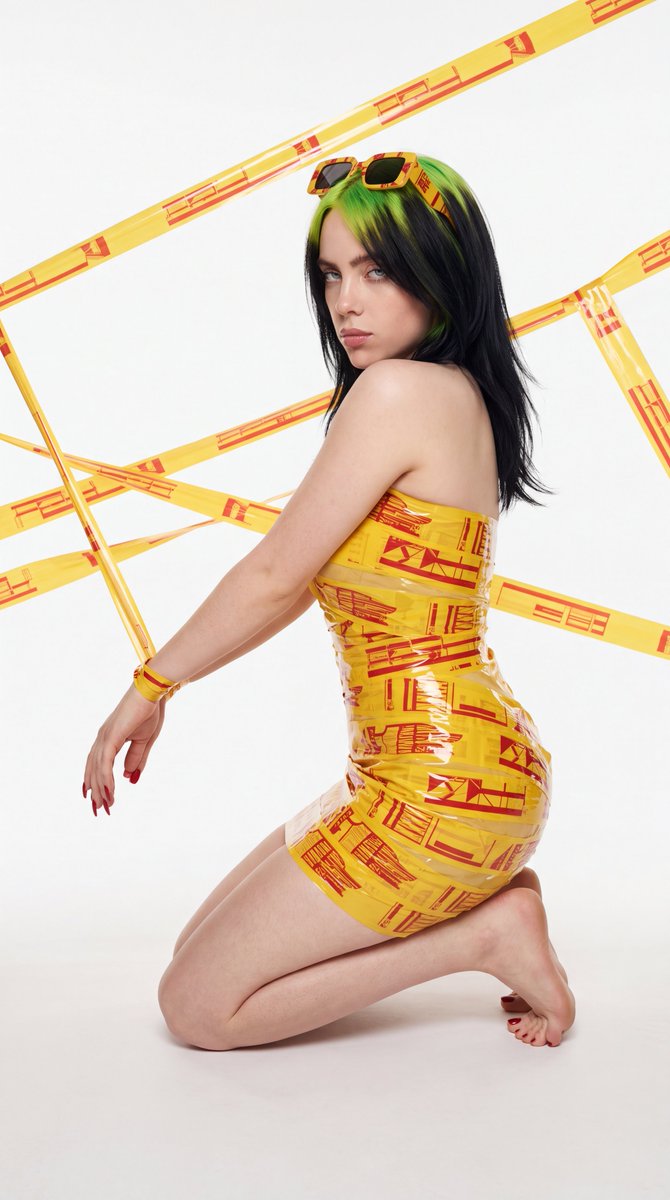
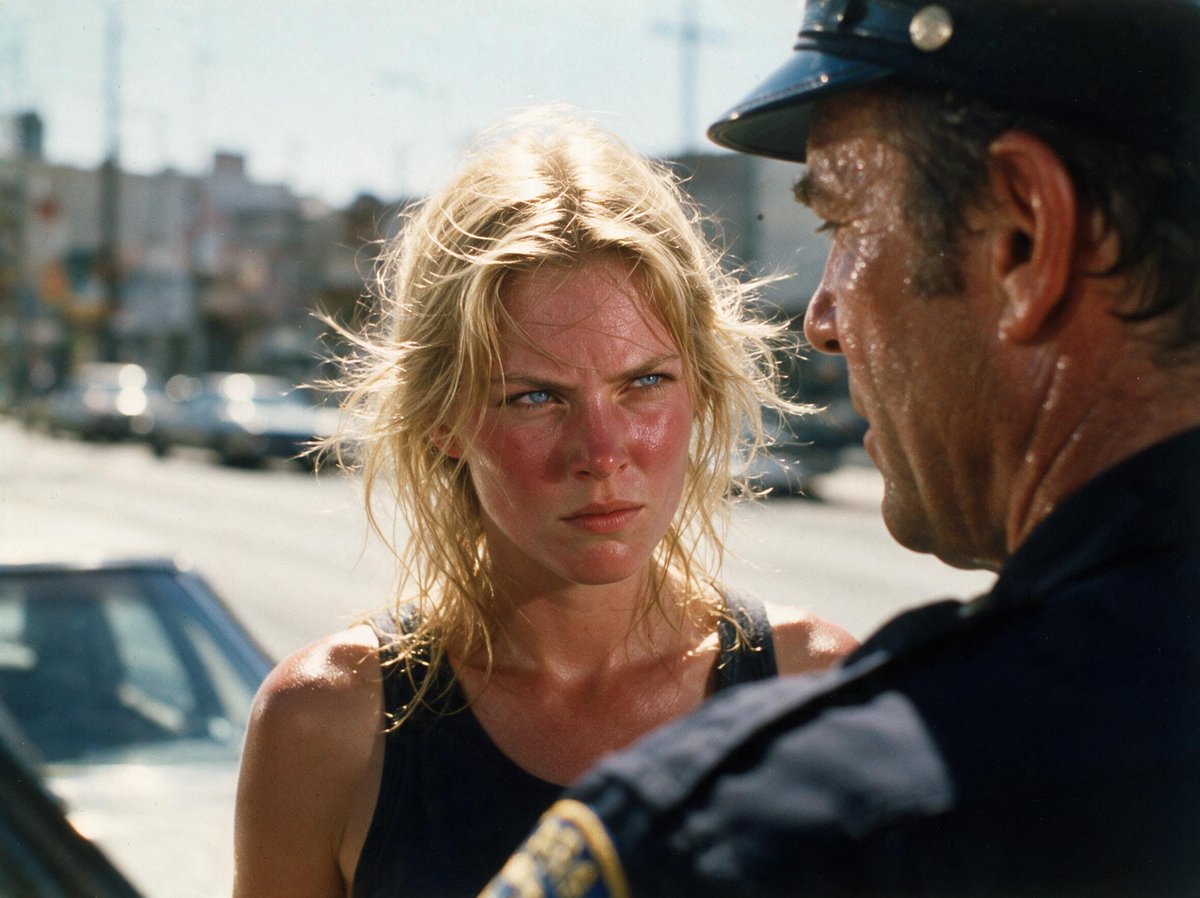
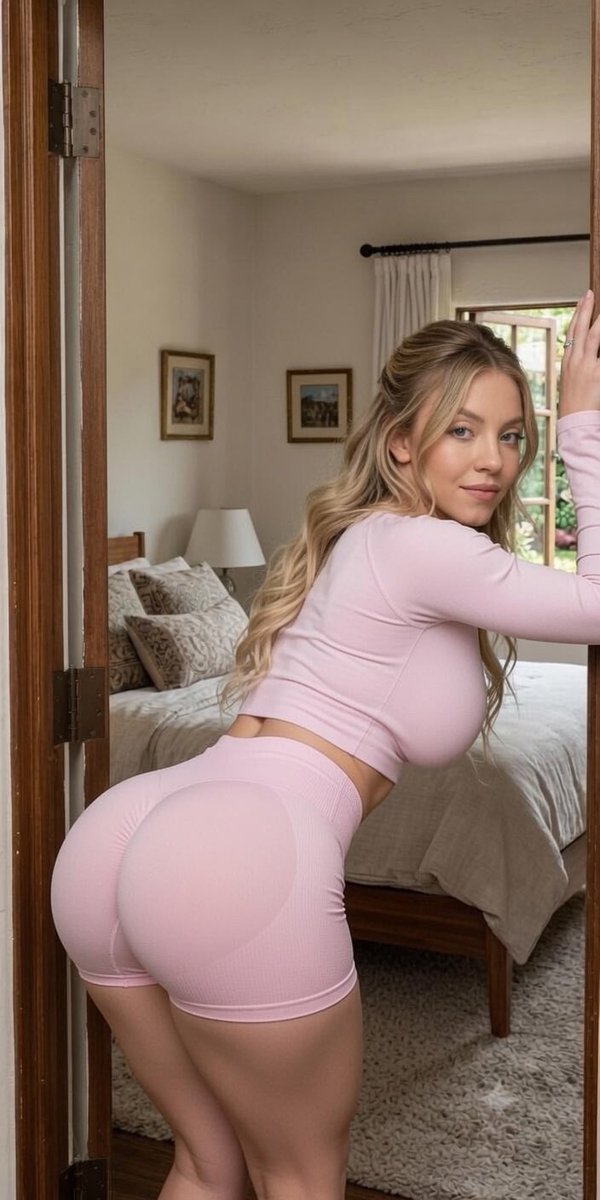
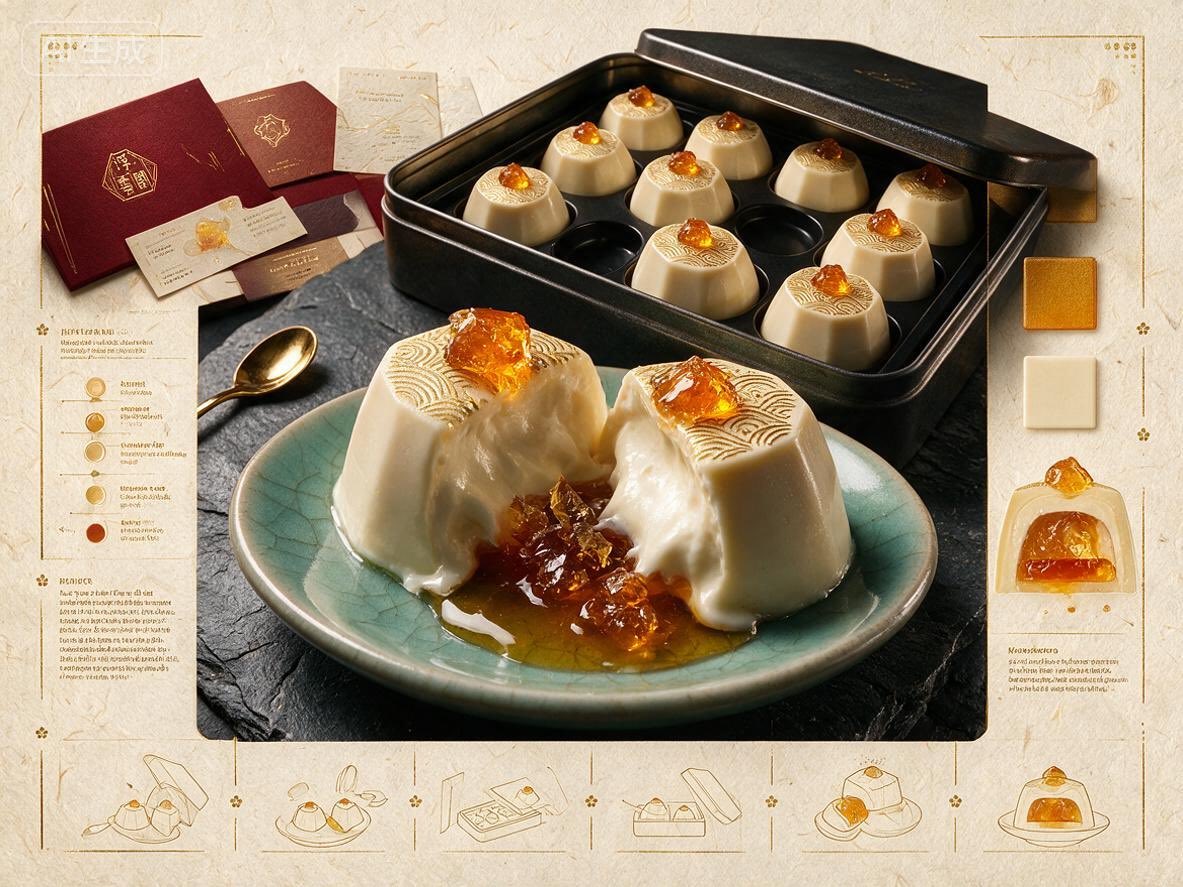
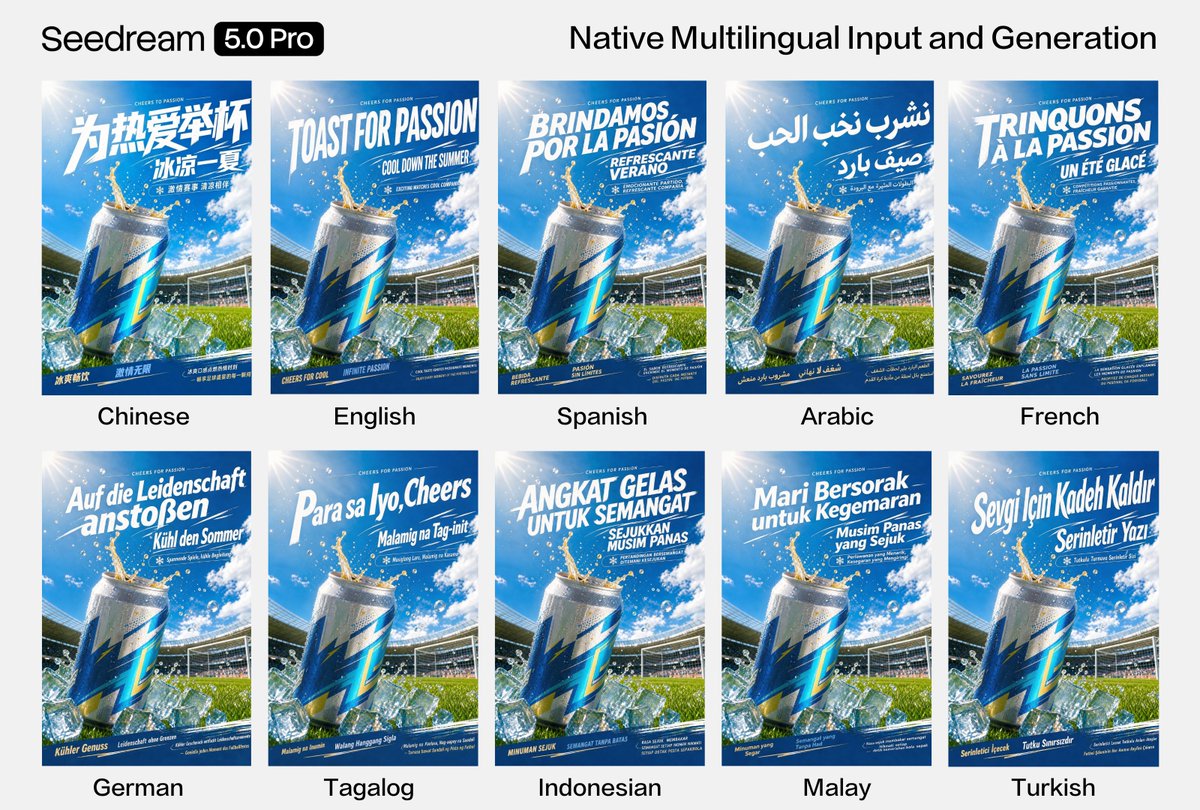
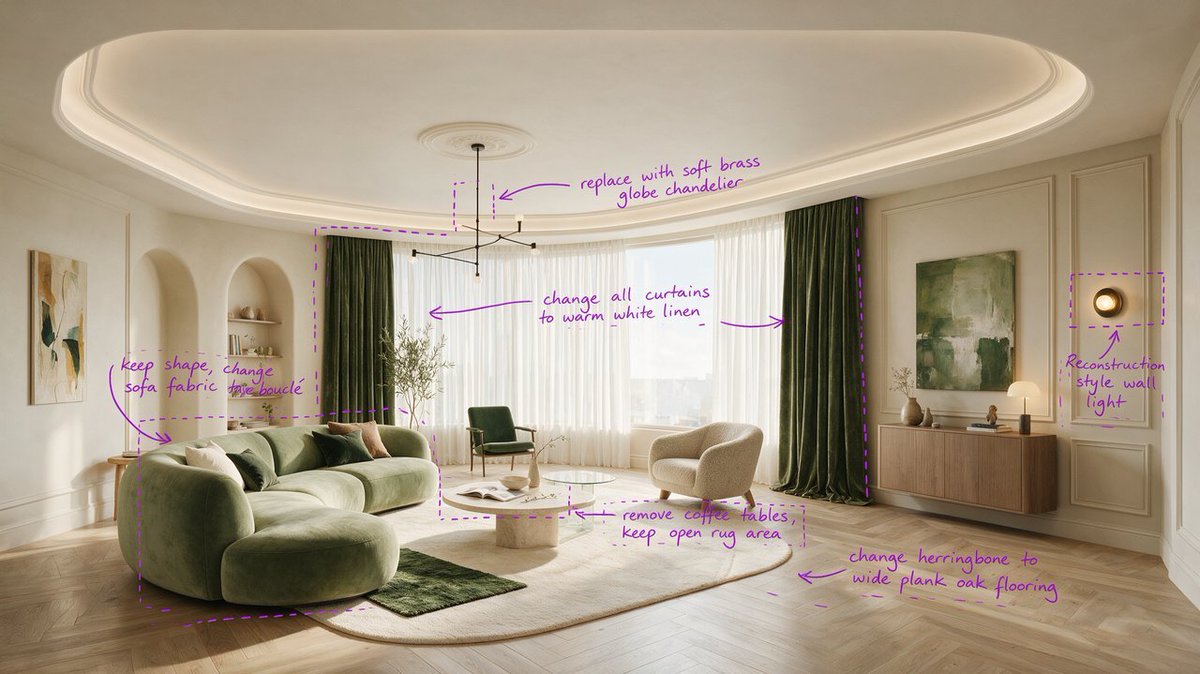
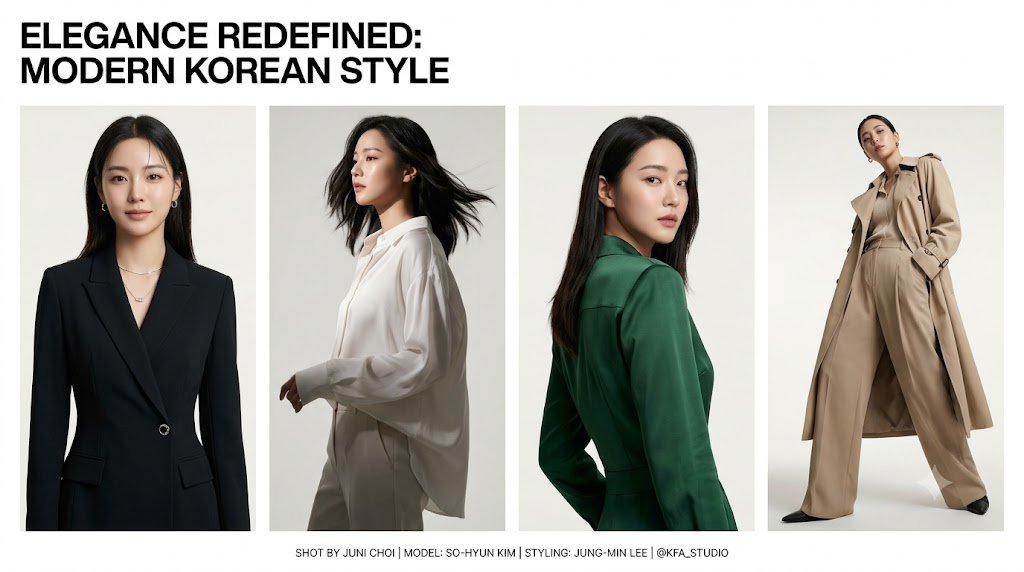
GPT Image 2 image examples
Explore curated GPT Image 2 image examples across portraits, product visuals, posters, editing workflows, and illustration styles.
GPT Image 2 Features
A focused image generation workflow for creators who need prompt-based output, reference-guided edits, flexible formats, and predictable credits.
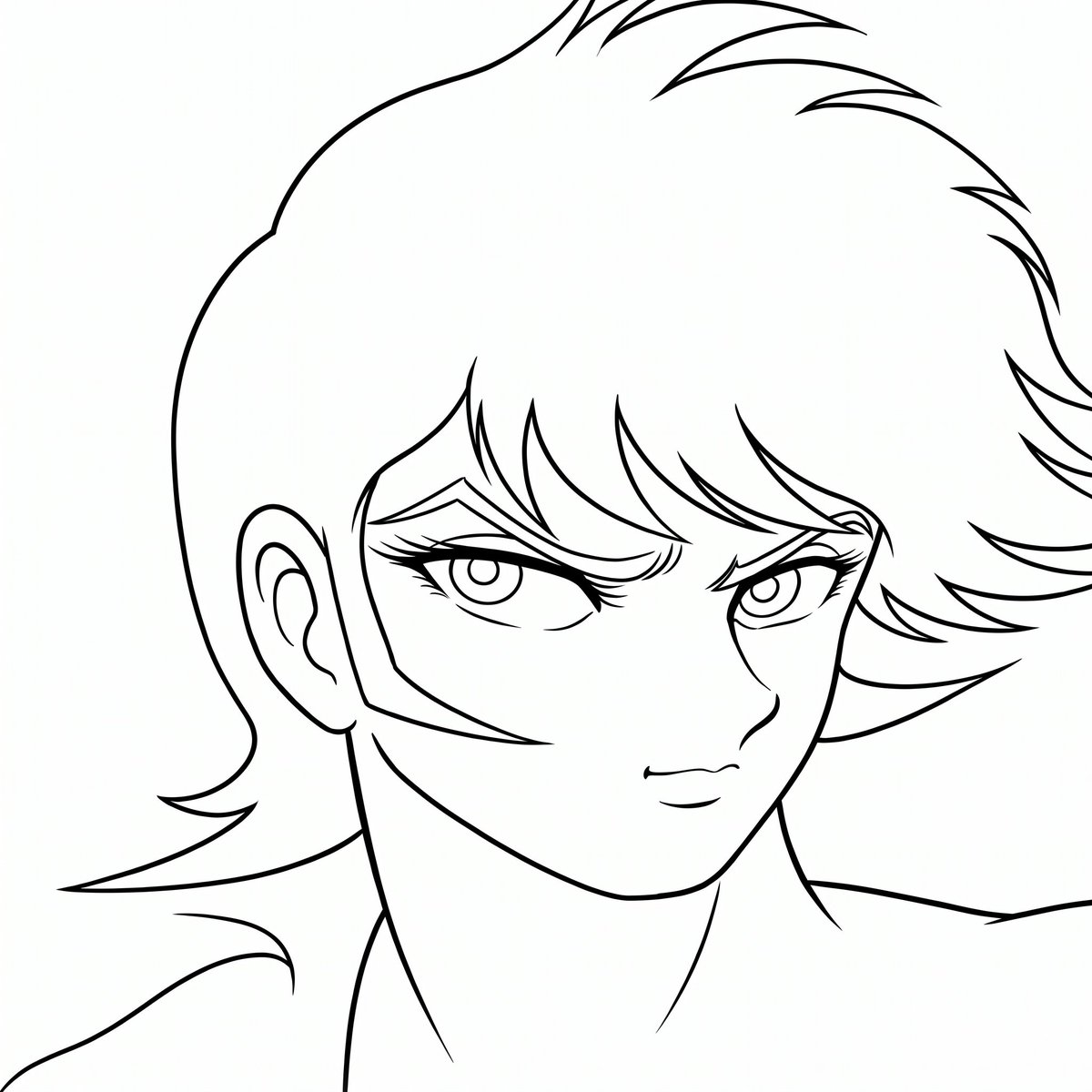
Text to Image
Describe the scene, style, subject, lighting, and composition. GPT Image 2 turns the prompt into a single generated image.
Image to Image
Upload reference images and guide the result with natural language. Use it for style transfer, variations, concept refreshes, and visual edits.
Flexible Aspect Ratios
Use auto sizing or select formats such as 1:1, 3:2, 4:3, 16:9, 9:16, 21:9, and 9:21 for social, ads, and editorial layouts.
1K, 2K, and 4K Output
Start with 1K for fast drafts, move to 2K for polished previews, or choose 4K when the final image needs more output detail.
Clear Credit Cost
GPT Image 2 costs 8 credits per image for 1K or 2K output. Selecting 4K costs 11 credits per image.
Prompt-Controlled Workflow
Keep direction in plain language. Specify camera angle, medium, mood, brand context, or required text to make the result easier to review.
How to Use GPT Image 2
Generate or edit an image in four practical steps.
Choose a Mode
Select text-to-image for a new visual or image-to-image when you want to use one or more reference images.
Write the Prompt
Describe the subject, style, composition, and any constraints. For reference workflows, explain what should change or remain consistent.
Set Ratio and Resolution
Choose auto or a fixed aspect ratio, then select 1K, 2K, or 4K. The credit estimate updates before generation.
Generate and Download
Run the task, review the output, reuse the prompt if needed, and download the final image from the results panel.
Best Use Cases
GPT Image 2 is useful when your workflow starts from a prompt, a reference image, or both.
Marketing Visuals
Create campaign concepts, hero images, social visuals, and ad variants in multiple ratios without rebuilding the prompt from scratch.
Product and E-Commerce Drafts
Use reference images to explore product styling, backgrounds, seasonal layouts, and catalog-ready visual directions.
Editorial and Creator Content
Generate thumbnails, blog visuals, cover images, and presentation graphics with predictable image size and resolution choices.
Reference-Guided Edits
Transform an uploaded image while keeping the prompt in control, making it easier to iterate on style, composition, or context.
GPT Image 2 Specs and Credits
The generator uses the connected GPT Image 2 text-to-image and image-to-image models.
What is GPT Image 2?
GPT Image 2 is an AI image generation model available in this generator for text-to-image and image-to-image tasks. It helps creators produce a single image from a prompt or transform reference images with flexible aspect ratios and 1K/2K/4K output.
GPT Image 2 FAQ
GPT Image 2 is an AI image model for generating images from text prompts and reference images. In this generator, it supports text-to-image, image-to-image, broad aspect ratios, and 1K/2K/4K output.
Yes. GPT Image 2 image-to-image mode accepts uploaded reference images and uses your prompt to guide the transformation or variation.
GPT Image 2 costs 8 credits per generated image for 1K or 2K output. If you choose 4K, the cost is 11 credits per image.
You can use auto sizing or fixed ratios including 1:1, 3:2, 2:3, 4:3, 3:4, 16:9, 9:16, 21:9, and 9:21. The available options are shown inside the generator.
Use GPT Image 2 when you want a direct prompt-driven image workflow with optional reference images and predictable 1K/2K/4K settings. Other models may be better for different speed, style, or multi-image needs.
Yes. Completed images can be previewed and downloaded from the results area, and you can reuse the prompt when you want to create another version.
Create with GPT Image 2
Open the generator, choose text-to-image or image-to-image, and start building visuals with clear credit costs. Explore Seedream 5.0 Pro