
Nano Banana 2.1 AI Image Generator
One product brief, a coordinated campaign: develop storefront images, promotional scenes and publishing formats inside Seedream 5.0.
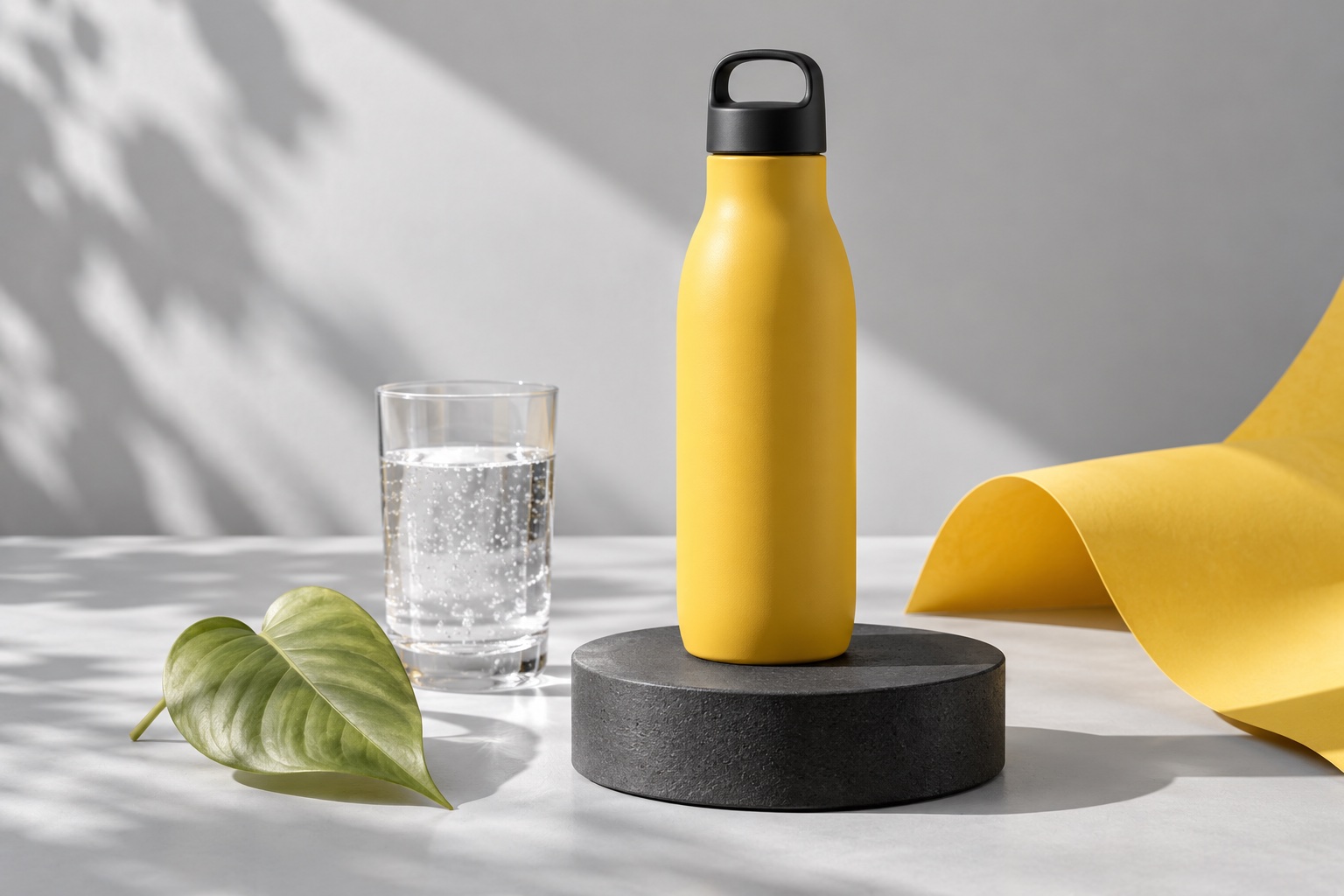
Choose Model
Workflow
0/20000 characters
Adds a consistent everyday phone-camera finish.
Nano Banana 2.1 · Campaign deliverables
Put Nano Banana 2.1 inside your production plan
The Nano Banana 2.1 AI Image Generator in Seedream 5.0 is a practical starting point for a product launch, a shop refresh or a coordinated promotion. Treat the workspace as an asset desk: establish what you sell, the message the picture must carry and the channels that need a file. A product listing, an advertisement and a landing-page header may share one visual identity while requiring different spacing, crop and emphasis.
Write a deliverable list before working on aesthetics. Identify the hero product, required views, approved colors, target formats and details that cannot change. Attach a clean product photograph when packaging identity matters; use text when exploring an unbuilt scene. Keep an approved brief as the baseline for subsequent requests. The result is a set of individually reviewed candidates rather than a promise that one generation will solve every placement in the campaign.
From asset list to delivery with Nano Banana 2.1 AI Image Generator
A four-stage campaign workflow gives each image a purpose, an approval decision and a place in the final handoff.
- 1
Nano Banana 2.1: Scope the publishing package
List the placements you actually need: catalog tile, product-detail scene, vertical advertisement or horizontal landing-page image. Assign a product and a message to each. Decide which reference photographs are approved and which details are mandatory. Sign in to the workspace, confirm the selected model and check the displayed allowance before turning the list into generation tasks.
- 2
Nano Banana 2.1: Establish one visual baseline
Begin with one representative deliverable and a focused brief. Set the product view, surface, palette, lighting and copy zone. Use an appropriate ratio instead of postponing the crop decision. Review this candidate for both commercial usefulness and product identity; revise the brief until the team has a clear direction worth carrying into other assets.
- 3
Nano Banana 2.1: Build the remaining placements
Reuse the approved visual rules while giving each placement its own spatial instructions. Choose 1K, 2K or 4K and JPG or PNG for that task. For reference editing, keep the uploaded set relevant and within the site's 10-image, 10 MB-per-file limits. Use task repeats or separate briefs for additional candidates; one generation task returns one image.
- 4
Nano Banana 2.1: Approve and package the files
When reviewing Nano Banana 2.1 AI Image Generator deliveries, open each finished file and inspect it at the planned display size. Check product identity, crop safety, small details and any visible lettering. Keep the selected brief with the asset, add editable offer text where needed and organize the downloads by channel. An approved catalog picture is not automatically an approved advertisement: complete the review for every publishing destination.
Five decisions that make a campaign usable
Bring production constraints into the Nano Banana 2.1 AI Image Generator instead of leaving them for a hurried crop after the image is complete.
Nano Banana 2.1: A recognizable product
In the Nano Banana 2.1 AI Image Generator, separate product identity from the scene around it. A packaging reference should clearly show the silhouette, cap, label placement and characteristic color; decorative references should describe only the environment. State the relationship in the brief so a prop does not become the advertised item. Inspect the result against the original photograph at a useful zoom, especially around seams, transparent surfaces and small label elements.
Nano Banana 2.1: A repeatable campaign language
Make the palette and lighting explicit enough to carry into a second brief. Define a primary color, a neutral background, shadow direction and the amount of visual clutter you accept. Record the approved version rather than relying on a vague instruction such as stylish. A series should feel related through these repeated decisions, while each asset still receives its own composition and review.
Nano Banana 2.1: A layout that survives publishing
Decide where the offer, logo and button will sit before asking for a scene. Specify a quiet copy zone and keep the product away from interface overlays. The 15 available aspect options include automatic framing and common portrait or landscape placements. A wide header and a vertical advertisement are separate compositions: create suitable candidates rather than stretching the same approved image across incompatible dimensions.
Nano Banana 2.1: A deliberate file handoff
Use resolution as a delivery decision rather than a substitute for checking the picture. Review a draft first, then choose among 1K, 2K and 4K according to the destination and the details that matter there. JPG and PNG are available output choices; confirm the receiving design tool accepts the selected format. Inspect the downloaded file as well as its on-screen preview before sending it into the campaign folder.
Nano Banana 2.1: Clear version decisions
For Nano Banana 2.1 AI Image Generator candidates, name each candidate by its purpose, not just by the order it appeared. Keep a note of the brief, reference set, intended channel and reason for approval or rejection. If a product is correct but the copy zone is crowded, revise that layout constraint in the next request. This makes feedback actionable and helps the next reviewer understand which version belongs to which placement.
A campaign asset menu for Nano Banana 2.1 AI Image Generator
The illustrated directions below frame four commercial production questions. Use their lighting, hierarchy and composition to develop a brief for your own product.
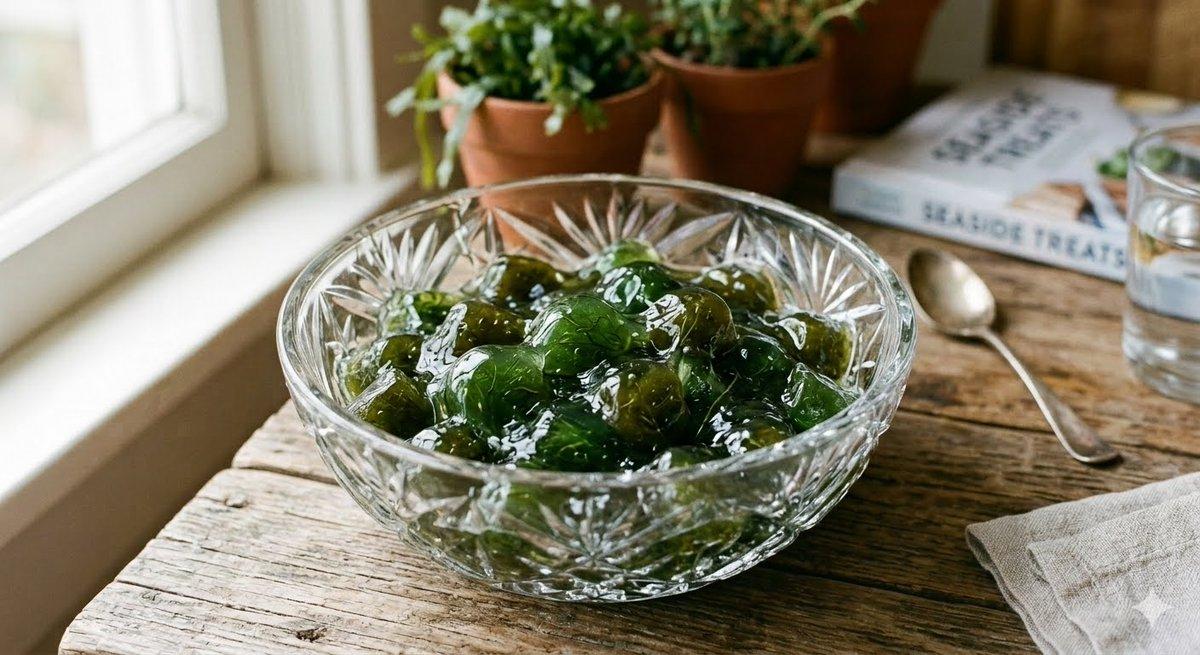
Nano Banana 2.1: A storefront product family
Plan a clean listing image, a contextual scene and a detail-focused view as three distinct assets. A food or beverage launch benefits from visible package proportions and a clear separation between the item for sale and decorative ingredients. Carry the same surface and light direction across requests. Check whether the product remains identifiable in a small catalog tile before approving an image for the storefront.
Compare the Nano Banana 2 product desk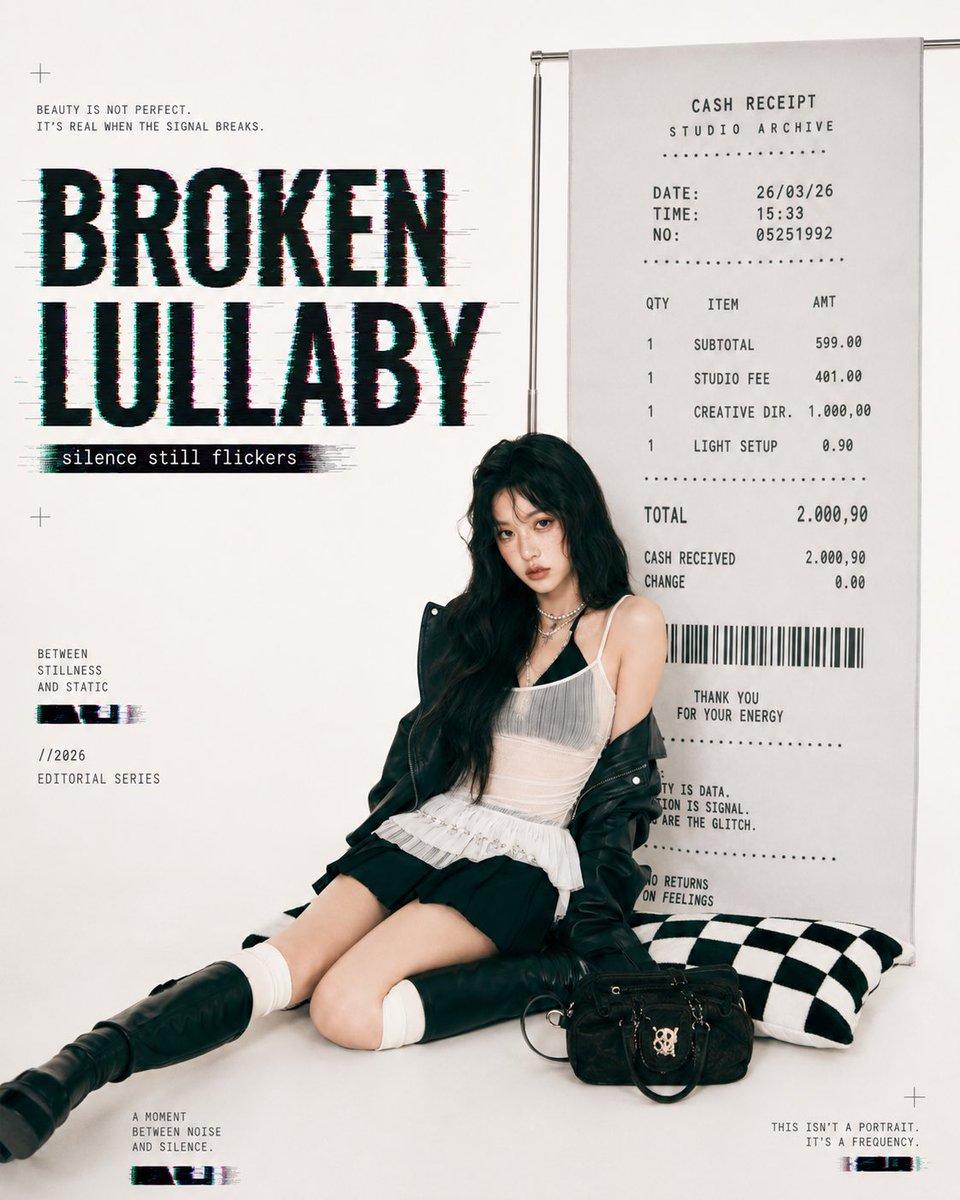
Nano Banana 2.1: The launch announcement
An announcement image has a different job from a listing photograph: the audience must notice the offer and understand the visual hierarchy quickly. Establish the hero subject, the headline area and the brand color balance in advance. The portrait-led example suggests how a strong focal point can coexist with graphic elements. Proofread any requested lettering, and keep final offer details in an editable design layer when that suits your publishing process.
Check Qwen Image 3.0 layout options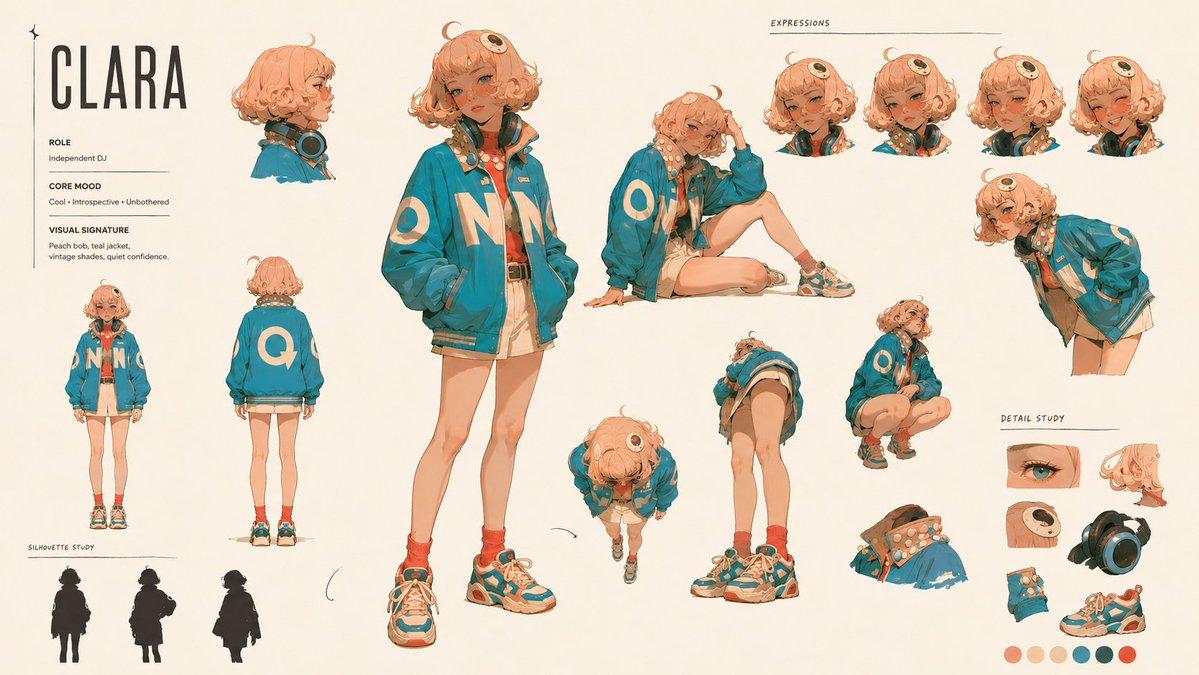
Nano Banana 2.1: A branded character series
A character sheet can become a planning reference for mascots, seasonal messages or a small campaign story. Specify the recognizable outfit, proportions and visual treatment, then write a separate brief for each required scene. A reference helps communicate the intention, but matching appearances still requires comparison between results. Approve the expressions and accessories that represent the brand before treating the character as part of a reusable asset family.
Review GPT Image 2.5 series controls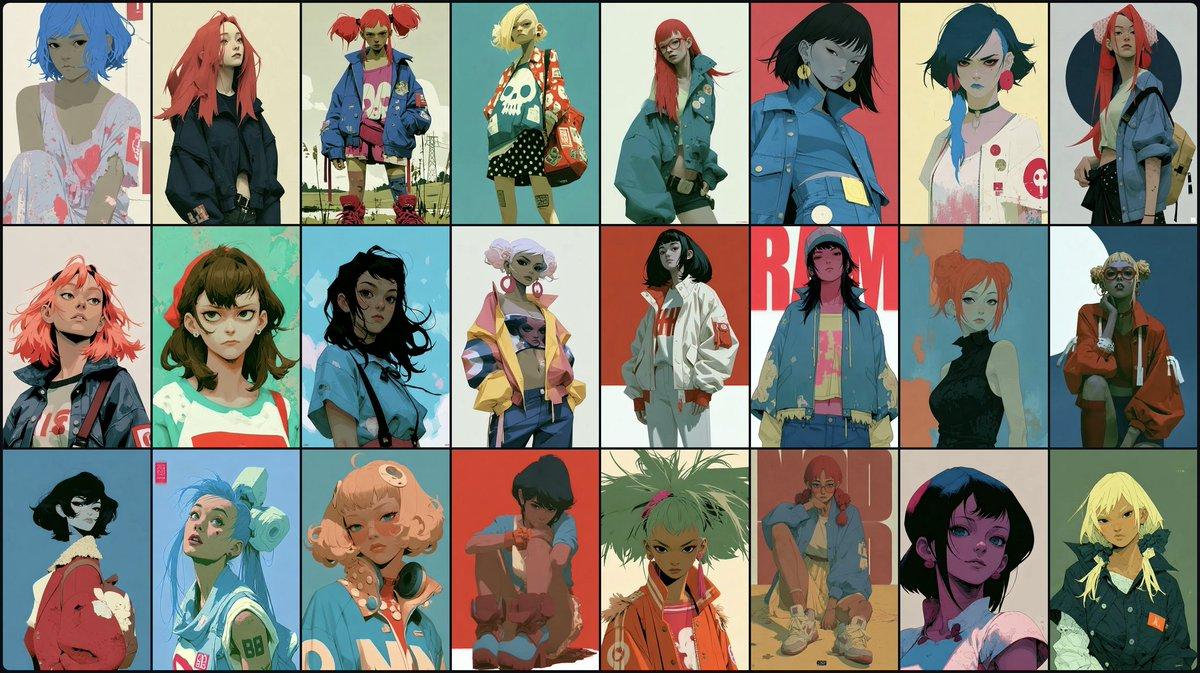
A visual board before the spend
Use the Nano Banana 2.1 AI Image Generator to examine materials, set dressing and color relationships before committing to a complete asset list. Request a restrained tabletop treatment, a textured seasonal scene or a graphic retail direction as separate concepts. The board should help the team choose concrete production rules. Once one direction is selected, turn its strongest decisions into a reproducible brief rather than copying every decorative element into subsequent images.
Explore the Seedream 5.0 Flash concept deskProduction briefs for Nano Banana 2.1 AI Image Generator
These three requests cover a catalog scene, a launch advertisement and a reference-based seasonal set. Replace the product details with your own approved information before submission.
Nano Banana 2.1: A two-drink catalog scene
Use this request to establish a matching launch image for a small beverage menu.
Photograph two iced matcha drinks in clear straight-sided cups on a pale terrazzo counter. One cup is upright in the foreground, the second slightly farther back. Show natural condensation, a defined cream layer and the complete rims. Use a mint-and-ivory palette with soft morning light from the right. Keep decorative ingredients minimal and reserve the left third for a menu offer. The drinks must read clearly at catalog thumbnail size; no lettering, price tags or invented brand marks.
Before approving: verify both cups are intact, the liquids look plausible and the vacant offer area stays quiet. Record this palette and light direction for the rest of the menu assets.
Nano Banana 2.1: A neighborhood shop launch
Use a storefront-led composition when the place itself is part of the launch message.
Create a realistic evening image of a small neighborhood flower shop ready for its opening campaign. Warm light glows through the window; wrapped bouquets stand inside, not across the entrance. Use deep green doors and pale stone walls with restrained peach accents. Frame the shop slightly to the right so the upper-left area remains simple for an opening announcement. Keep the doorway, window frames and pavement believable. Do not invent readable signage, logos, people or a date.
Before approving: check the entrance, window geometry and headline area. Add the actual opening date and address in the final layout so those details remain editable.
Nano Banana 2.1: A seasonal gift-box arrangement
Use a real package reference to keep a holiday concept grounded in the product being sold.
Use the uploaded gift-box photograph to guide the packaging shape, printed pattern and ribbon placement. Arrange one closed box and one slightly opened box on a muted burgundy cloth with a small evergreen sprig beside them. Photograph from a moderately elevated angle with soft broad light and gentle contact shadows. Keep the product dominant, preserve its recognizable design and leave a calm area along the upper edge for campaign copy. Avoid extra labels, duplicate ribbons and decorations covering the package front.
Before approving: compare the package pattern and ribbon against the reference. If the styling is right but the product identity drifts, tighten the preservation instructions before requesting more variants.
Keep comparable desks within reach
Use the Nano Banana 2.1 AI Image Generator as one production option, then compare other Seedream 5.0 workspaces with the identical asset brief. Evaluate the result rather than assuming that a model name decides the winner.
| Local workspace | Useful comparison task | Production acceptance test |
|---|---|---|
| Nano Banana 2 | Useful comparison taskA second route for the same catalog and contextual product briefs. | Production acceptance testCompare the package outline, scene separation and space reserved for the offer. |
| Nano Banana Pro | Useful comparison taskAnother option for a tightly specified product or promotional scene. | Production acceptance testInspect the details your brand reviewer marked as mandatory, using the same references. |
| Seedream 5.0 Lite | Useful comparison taskA local workspace to explore preliminary visual directions. | Production acceptance testReview its controls and displayed task cost before expanding a concept into a series. |
| GPT Image 2.5 | Useful comparison taskAn alternative desk for a launch composition or character-led campaign. | Production acceptance testSelect the relevant variant and compare how the resulting hierarchy serves the message. |
| Seedream 5.0 Flash | Useful comparison taskA separate workspace for scene variations and asset exploration. | Production acceptance testEvaluate the same brief at the intended publishing size, not only as a large preview. |
Production answers for Nano Banana 2.1 AI Image Generator
Resolve the practical questions that arise between an initial product photograph and a publishable campaign package.
Yes. Select the reference-editing mode and supply the approved photographs with an instruction that distinguishes product identity from styling. The site accepts up to 10 JPEG, PNG or WebP references, each no larger than 10 MB. A clean, unobstructed product view is more useful than a busy screenshot when packaging details are the acceptance criterion.
For a Nano Banana 2.1 AI Image Generator brief, start with the product that must be recognized, then describe the promotion's visual job. A catalog image needs a readable item; an advertisement also needs hierarchy and a planned copy zone. Keep mandatory facts separate from optional styling, so reviewers can identify whether a disappointing result needs a new scene or a clearer preservation instruction.
Organize the series as separate deliverables that share an approved palette, lighting plan and reference set. Write placement-specific briefs rather than expecting one image to fit every crop. The workspace's repeat and batch controls can arrange eligible account tasks, but each output still needs its own identity and layout check before inclusion in the campaign.
Record the selected aspect ratio, resolution, output format and intended placement with the approved brief. Nano Banana 2.1 has 15 aspect choices including auto, 1K/2K/4K resolution choices and JPG/PNG output. This record makes it easier to reproduce the request and prevents a draft created for one channel from silently becoming the final asset for another.
Cropping is sometimes enough, but only when the product and copy area survive the new frame. A vertical advertisement often needs a different spatial balance from a catalog tile. Request a separate composition when the existing picture cannot accommodate the headline, platform overlays and product together without obscuring something the campaign depends on.
Use the approved color reference for each product variation and state which package details remain common across the range. Avoid asking the model to invent product variants that are not in the catalog. Compare the downloaded candidates side by side for silhouette, label placement and lighting, then reject versions that confuse the distinction between the items being sold.
Do not approve it because the surrounding scene is attractive. Compare labels with the supplied reference and check any requested wording character by character. Tighten the packaging instruction for another attempt, or keep offer typography in an editable layout layer. Inspect the final design after placing that text, since an empty copy zone can become crowded in production.
The prompt limit is 20,000 characters, including any additional instructions that are submitted to the model. That capacity is useful for specific product and layout requirements; it is not a reason to mix unrelated deliverables in one request. Use a short priority list and remove conflicts before adding optional mood or set-dressing details.
It means there is a completed image to review. Check the actual product, the chosen placement, the proposed message and the downloaded file before approval. A technically finished picture can still miss an important commercial detail. Keep a clear rejection note so the next request addresses that detail instead of restarting the entire creative direction.
Read the cost displayed for the current model and settings, then calculate the planned tasks and repeats for your asset list. Set aside room for revisions before submitting a large batch. The account and pricing screens describe the available allowance; the candidate review determines which files deserve a place in the final campaign folder.
Build the first asset in your campaign
Give Nano Banana 2.1 AI Image Generator a saleable product, a defined placement and a review checklist. Approve one direction before expanding the asset family.