
GPT Image 2.5 for campaign edits
Create campaign images from a prompt or reference photos with GPT Image 2.5. Choose Flare or Sunburst, resolution, and background in this workspace.
Choose Model
Workflow
0/20000 characters
Adds a consistent everyday phone-camera finish.
Image Results
Both versions: 1K costs 5 credits, 2K costs 10, and 4K costs 16 per image.
Image-to-image needs 1 to 16 JPG, PNG, or WebP references, up to 30 MB each.
27:16, 16:27, 9:8, and 8:9 are available only at 1K. Switching to 2K or 4K resets these ratios to Auto.
Notes for a Seedream 5.0 Pro campaign desk
- Start from a locked brand still so GPT Image 2.5 can preserve the subject while you request a single campaign change.
- Focused edits are more likely to leave typography, crop, and brand treatment in place around the change.
- Transparent plates and dense campaign layouts stay available when a compositing or copy-safe board needs empty space.
- Choose GPT-Image-2.5 Flare for faster campaign tests, or GPT-Image-2.5 Sunburst when tighter control is worth the extra wait.
What GPT Image 2.5 does on a campaign board
Create campaign images from a prompt or reference photos with GPT Image 2.5. Choose Flare or Sunburst, resolution, and background in this workspace.
Campaign edit strengths to brief against
Generate a campaign image from a prompt, or upload references and describe the changes to the approved image.
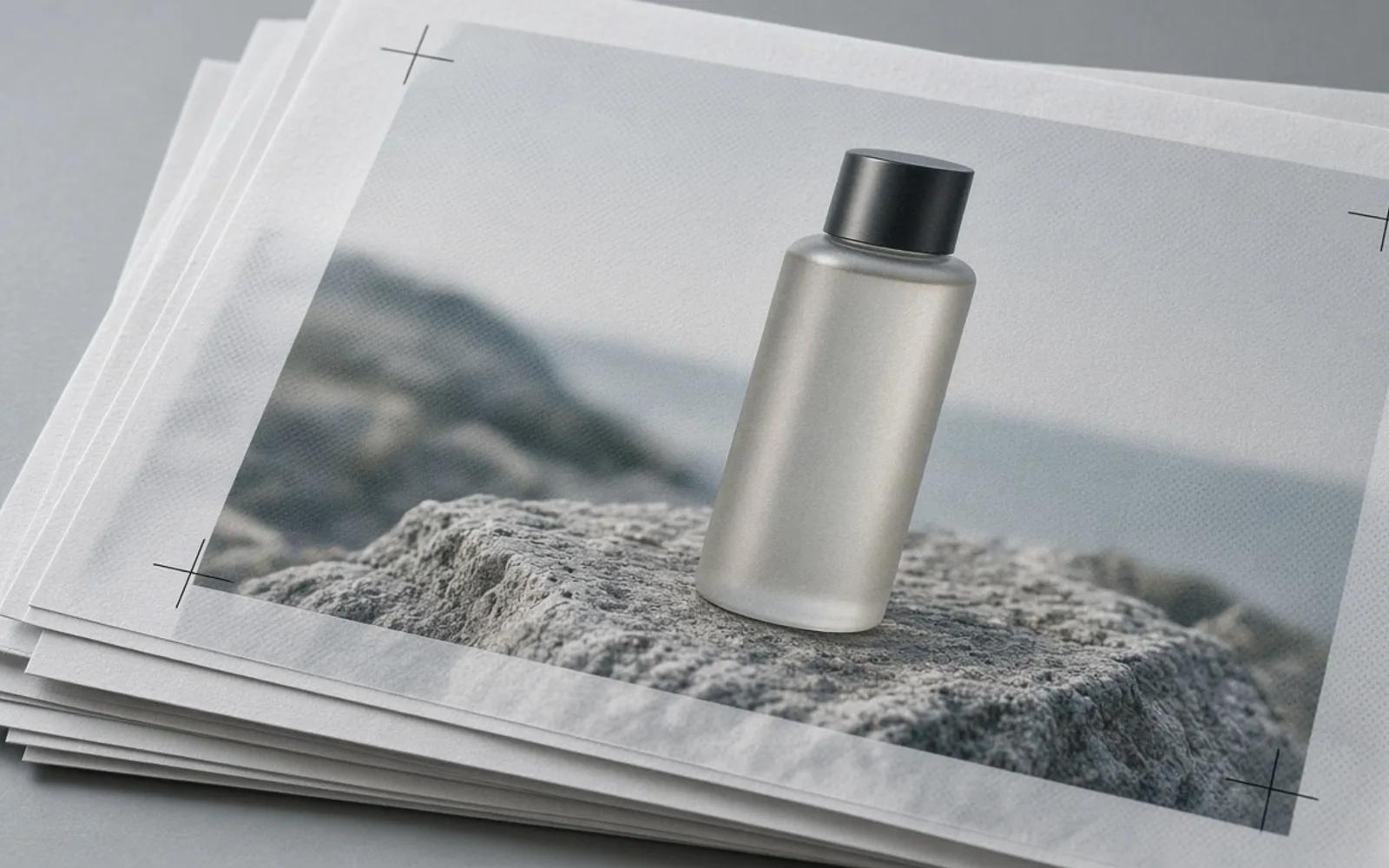
Protect the brand still
Better subject preservation from reference photos helps a campaign hero stay the same person, product, or pack while you restage a board.
Change one requested element
Edits are more reliable across multiple turns and tend to change only what was asked, which is how a campaign revision should behave after legal or brand notes.
Keep treatment in the light
More natural lighting and richer textures help retouched heroes sit on the same board as the approved brand stills.
Leave room for copy and comps
Complex layouts, including transparent backgrounds, support copy-safe masters and compositing plates that art directors can mark.
Pick speed or tighter control
GPT-Image-2.5 Flare is the default, faster path with higher quality than GPT-Image-2 at up to 50% lower latency. GPT-Image-2.5 Sunburst offers tighter control with a longer generation.
GPT-Image-2.5 Flare versus GPT-Image-2.5 Sunburst
Both names are API routes in the GPT Image 2.5 family. The split below uses only the published qualitative difference: speed versus tighter control.
| Campaign choice | Flare | Sunburst |
|---|---|---|
| Role in the family | Default API choice for most campaign tests. | Precision route for detailed creative and editing work. |
| Speed | Built for faster generation, with up to 50% lower latency than GPT Image 2. | Longer generation when the desk can wait for tighter control. |
| Quality framing | Higher quality than GPT-Image-2 at that lower latency. | Described for tighter control across edits, not as a ranked score. |
| When a campaign desk picks it | Colorway sweeps, first hero tests, and high-volume board variants. | Locked campaign heroes and compositing plates that cannot drift. |
Four campaign boards that need a precise edit
Each use case starts from an approved still and asks GPT Image 2.5 for a narrow campaign change.
Campaign hero
Keep the locked talent or pack, then adjust a gesture, prop, or background while brand crop and grade stay in place.
SKU colorway
Request only the new product color on a campaign still so the rest of the board, including type areas, does not rebuild.
Copy-safe layout
Hold empty type regions and hierarchy while you restage the product, so later copy decks still fit the master.
Compositing plate
Select Transparent in the background control to create a campaign image for compositing in your design workflow.
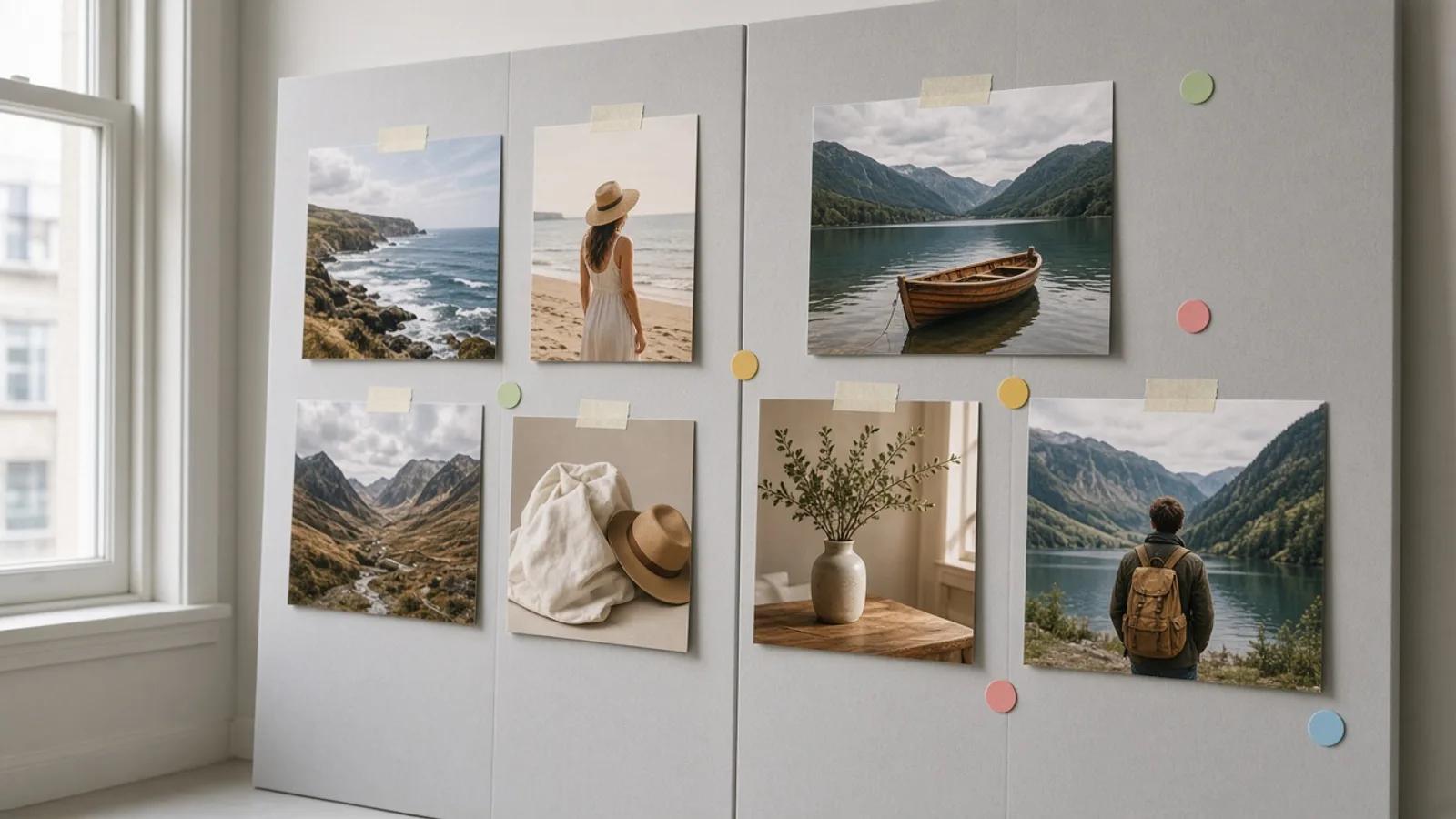
Lock, edit, review, then export the board
A Seedream 5.0 Pro campaign desk should freeze the brand still first, then allow only marked edits through.
- 01
Lock
Choose the approved hero, pack shot, or layout master that brand treatment must survive.
- 02
Edit
Send one campaign note at a time, such as a colorway, prop, or background, and keep the rest of the still untouched.
- 03
Review
Park the result on the print board and check crop, type room, and subject identity against the locked master.
- 04
Export
Hand the approved still or transparent plate into Seedream 5.0 Pro for the next stage of campaign design.
Compare Flare and Sunburst in this workspace
Use the Model version control to switch between Flare and Sunburst. Both support text-to-image and image-to-image with the same credit prices.
Campaign edit questions
How do we keep brand treatment while editing a campaign still?
Start from a locked reference so GPT Image 2.5 can preserve the subject, then ask for only the marked change. Multi-turn edits are more likely to leave the rest of the still, including crop and surrounding treatment, in place.
When should a campaign team pick Sunburst?
Pick GPT-Image-2.5 Sunburst when the still needs tighter control and a longer generation is acceptable, such as a locked hero or compositing plate. Use GPT-Image-2.5 Flare when the desk is running faster colorway or layout tests and wants the default speed path.
Can GPT Image 2.5 make transparent campaign plates?
Yes. It can handle complex layouts, including transparent backgrounds, which helps compositing plates and copy-safe masters. Always inspect the empty regions on the board before you export into Seedream 5.0 Pro.
How does GPT Image 2.5 relate to Seedream 5.0 Pro?
Create campaign images from a prompt or reference photos with GPT Image 2.5. Choose Flare or Sunburst, resolution, and background in this workspace.
How should we run multi-turn campaign revisions?
Send one brand, legal, or art note per turn. GPT Image 2.5 is described as more reliable across multiple turns and as changing only what was asked, which keeps a revision trail readable on the print board.
How many credits does GPT Image 2.5 use?
Both versions: 1K costs 5 credits, 2K costs 10, and 4K costs 16 per image. Image-to-image needs 1 to 16 JPG, PNG, or WebP references, up to 30 MB each.
Edit the still, then assemble the campaign
Create campaign images from a prompt or reference photos with GPT Image 2.5. Choose Flare or Sunburst, resolution, and background in this workspace.