
Create sharper commercial visuals with Seedream 5.0 Pro
Commercial design production
Turn design briefs, product concepts, multilingual layouts, and information-heavy ideas into polished visual directions with more control over details, layers, and text.
Choose Model
Workflow
0/1000 characters
Image Results


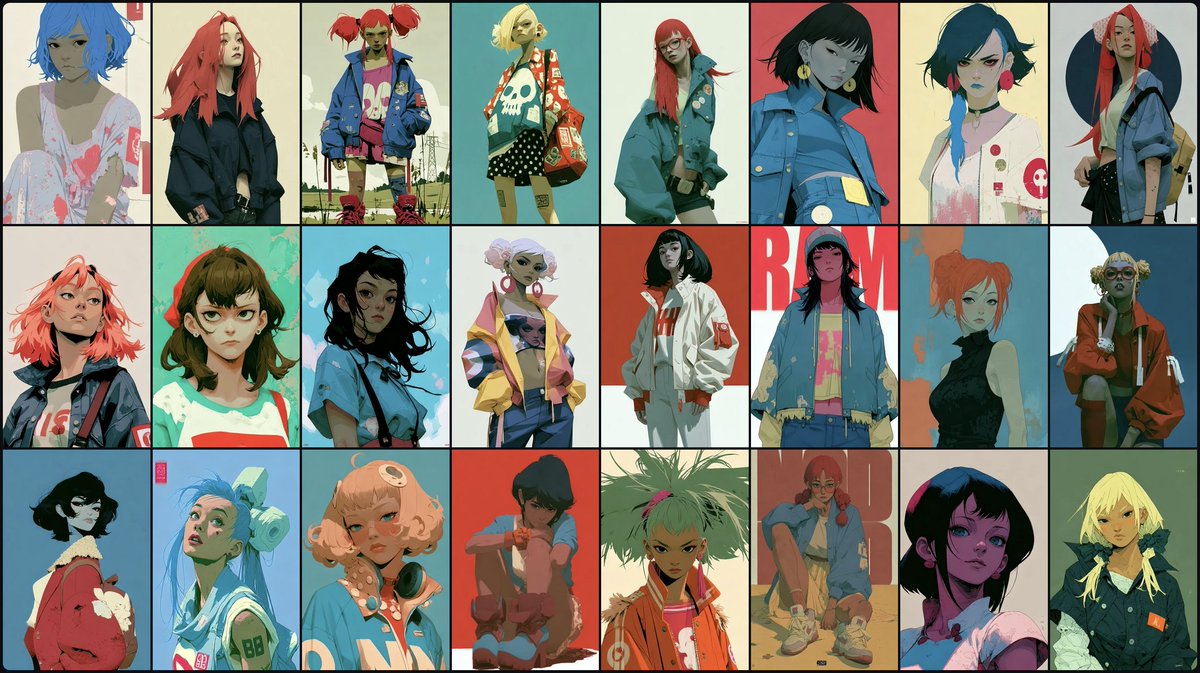
Seedream 5.0 Pro image examples
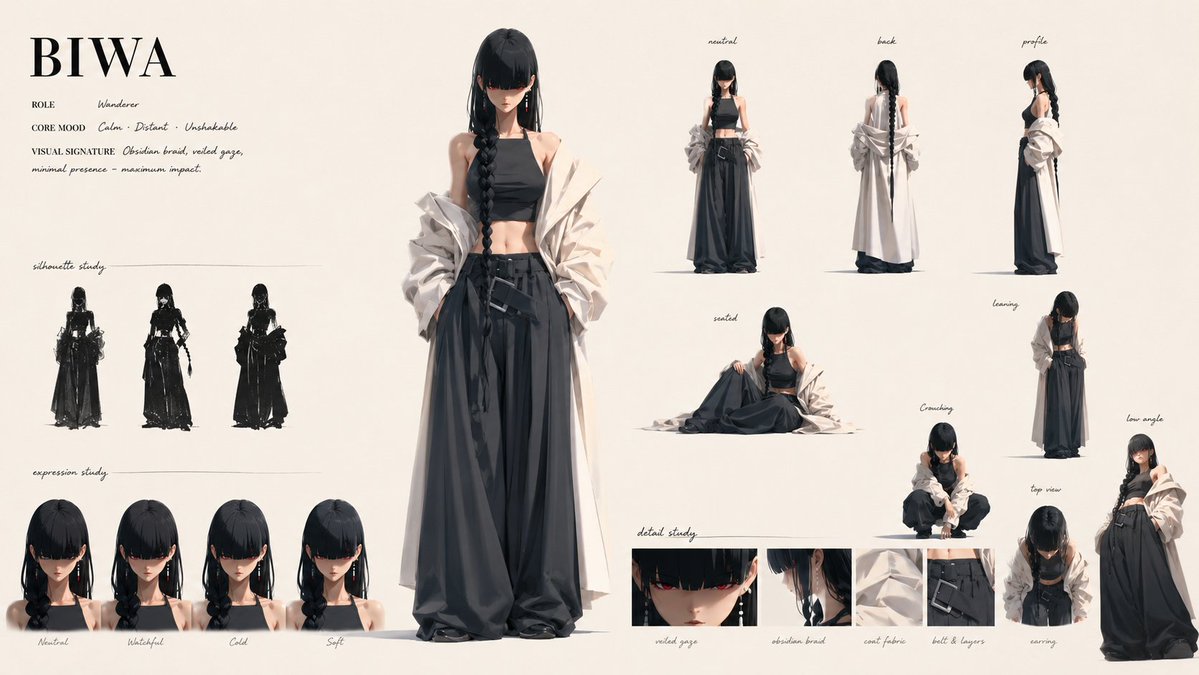
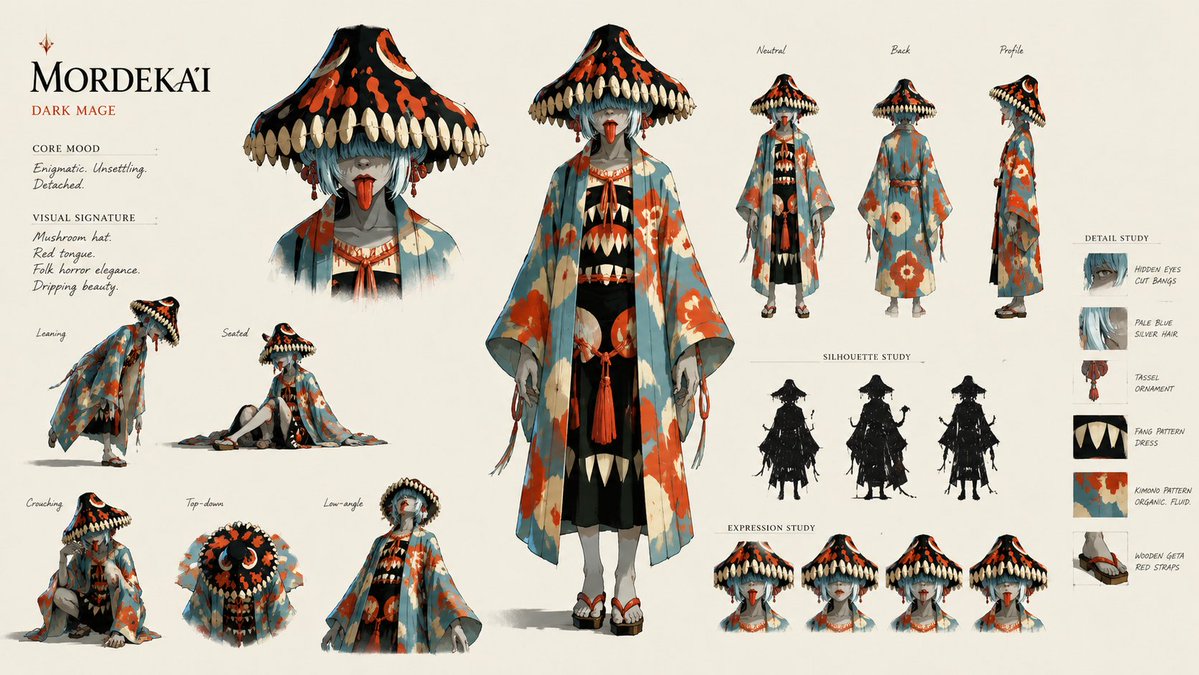
Explore curated Seedream 5.0 Pro image examples across portraits, product visuals, posters, editing workflows, and illustration styles.

What is Seedream 5.0 Pro?
Seedream 5.0 Pro is a higher-control AI image creation path for commercial design work. It is suited to precise visual edits, layered design diagrams, multilingual typography, product concepts, and complex information graphics.
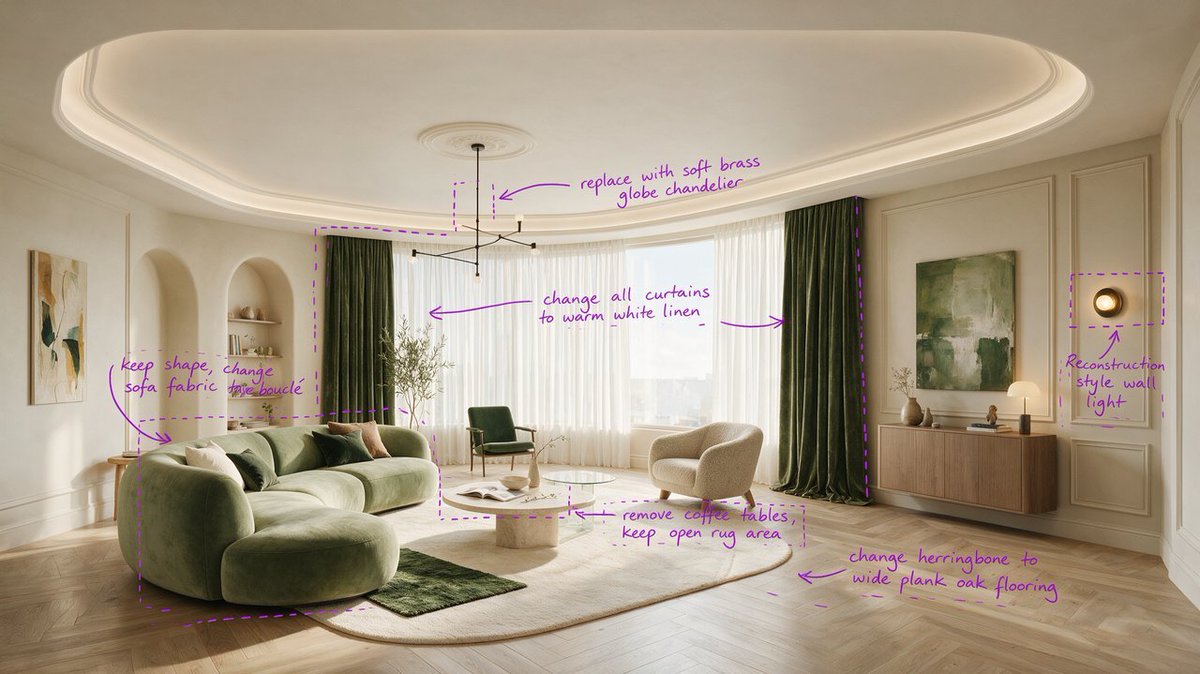
Precise local editing
Focus on the exact region that needs a change, such as a product area, background detail, label, object, or composition issue.
Layer-aware design
Think in editable parts: headline, product, background, callout, chart, icon, and layout block.
High-density information
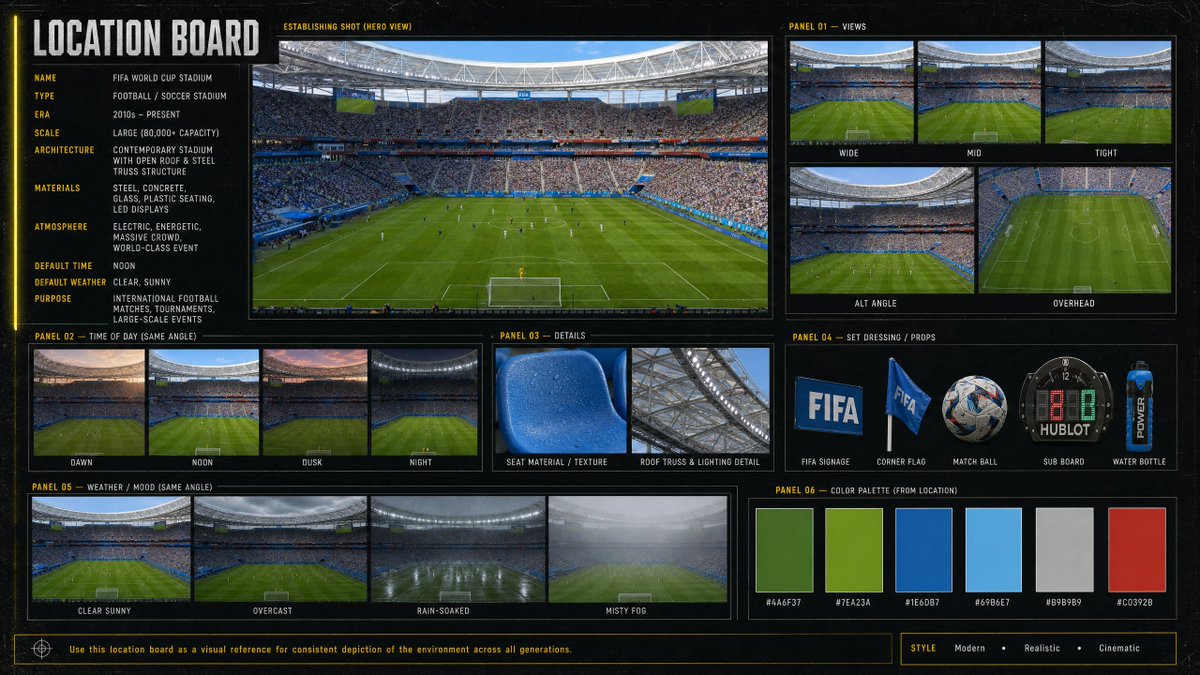
Create visuals that explain more at once, including charts, process diagrams, comparison panels, and page-style layouts.
Multilingual text layouts
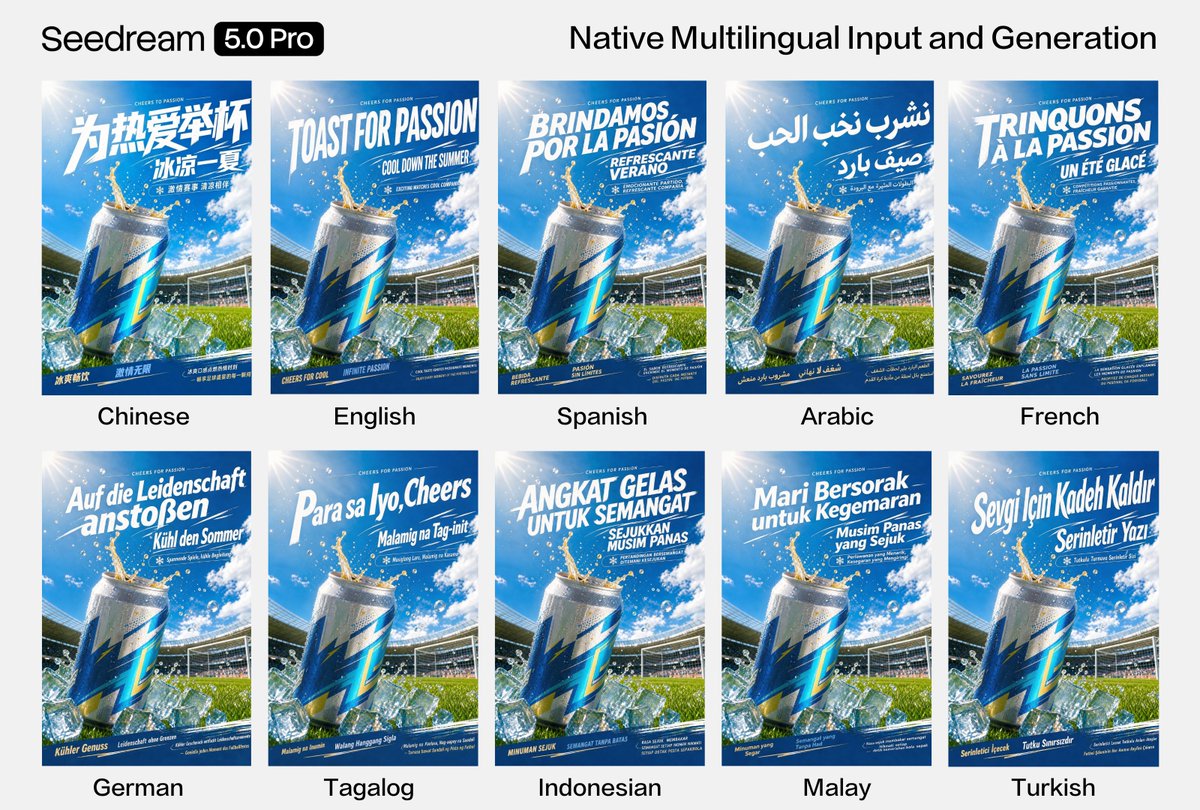
Build visual directions for global campaigns where text placement, language length, and typography all matter.
Sketch to polished concept
Move from rough ideas, outlines, and layout notes to presentable design directions faster.
Brand and commerce ready
Create campaign visuals, ecommerce sections, product explainers, and ad concepts with stronger production discipline.
How to create stronger Pro-style visuals
A more structured brief gives Seedream 5.0 Pro clearer design intent.
Define the business goal
Start with the audience, channel, product, message, language, and conversion goal.
Describe the layout
Explain the hierarchy, focal point, text areas, image areas, and supporting details.
Call out edit zones
Name the parts that need special control, such as a product label, chart section, headline, or background.
Refine into a design asset
Use the strongest result as a campaign image, page section, deck visual, infographic, or product concept.
Where Seedream 5.0 Pro stands out
Use Pro when a generated image needs to communicate clearly, carry more information, and support serious design work.
Advertising and brand visuals
Create polished campaign concepts, product hero images, and adaptable creative directions for brand teams.
Ecommerce page design
Build product modules, feature explainers, comparison sections, sale graphics, and store page concepts.
Infographics and explainers
Turn complex ideas into charts, process visuals, educational graphics, and dense knowledge layouts.
Multilingual campaigns
Explore global creative directions where copy, layout, and visual hierarchy need to work across languages.
What Pro helps you create
A stronger fit for design work that needs precision, structure, and richer visual communication.
Seedream 5.0 Pro vs Seedream 5.0 Lite
Lite is the fastest route for many drafts. Pro is the higher-control route for serious design assets.
Seedream 5.0 Pro FAQ
It is best for commercial visuals that need more control, such as brand campaigns, ecommerce layouts, infographics, product explainers, and multilingual designs.
Precise editing helps teams focus on the exact area that needs improvement instead of restarting the whole visual direction.
Yes. It is useful when you need to plan text, objects, callouts, backgrounds, and layout blocks as separate design elements.
Yes. It is a strong fit for campaign directions where text length, placement, typography, and reading flow matter across languages.
Use Lite when you mainly need fast image drafts, social variations, ecommerce concepts, thumbnails, or content covers.
Yes. Preview and download completed images from the workspace, or reuse the prompt and adjust the settings to continue refining the next version.
Create stronger design visuals with Seedream 5.0
Bring a structured brief, define the layout, and turn complex ideas into polished commercial visuals. Explore Seedream 5.0 Pro