
Qwen Image 3.0 is now available
Qwen Image 3.0 AI Image Generator
Plan bilingual posters, product visuals, editorial imagery, and illustrations with stronger prompt interpretation and flexible output control.
- Prompt languages
- Chinese + English
- Image size
- 1K / 2K
- Output formats
- PNG / JPEG
Choose Model
Workflow
0/20000 characters
Adds a consistent everyday phone-camera finish.
Image Results
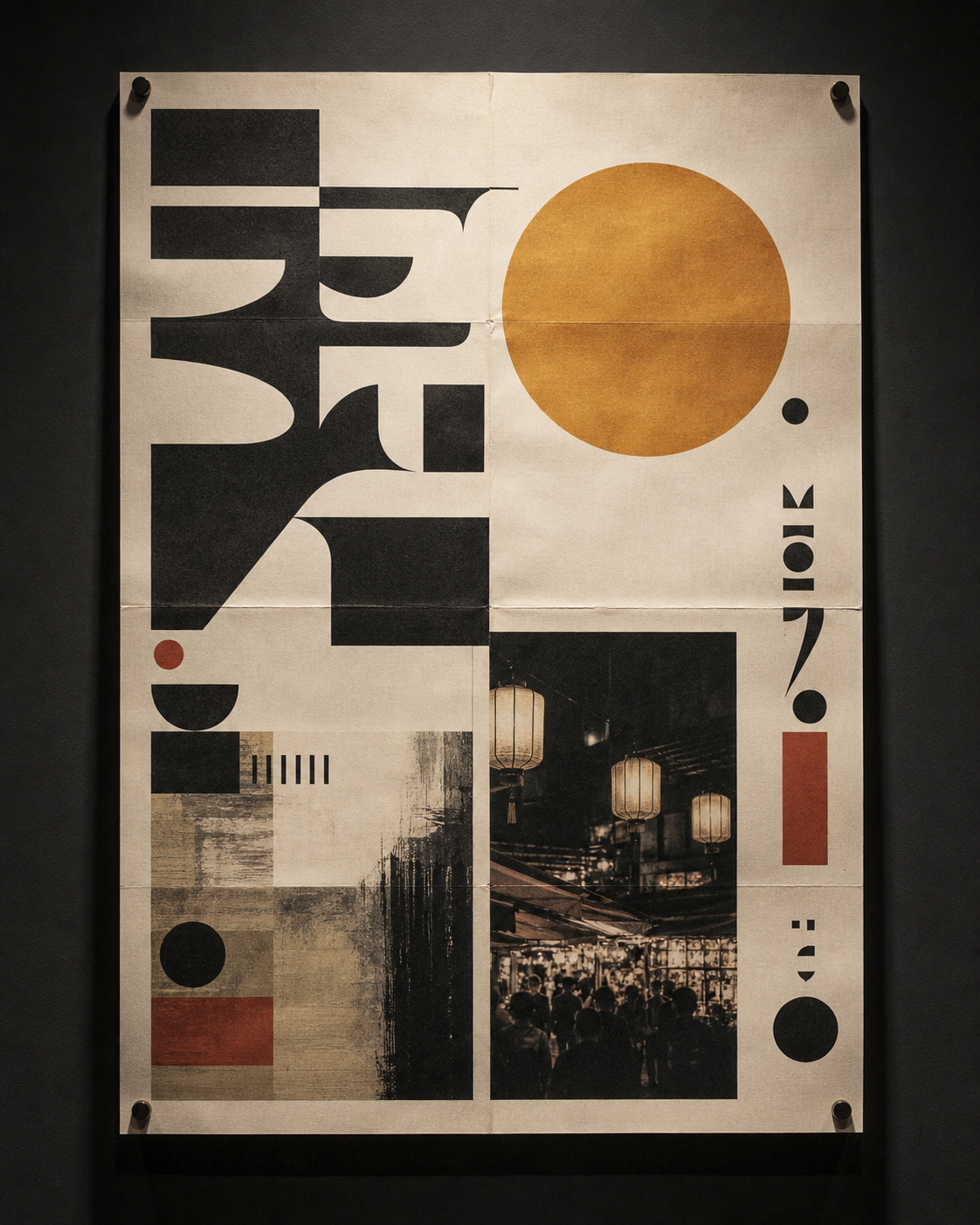

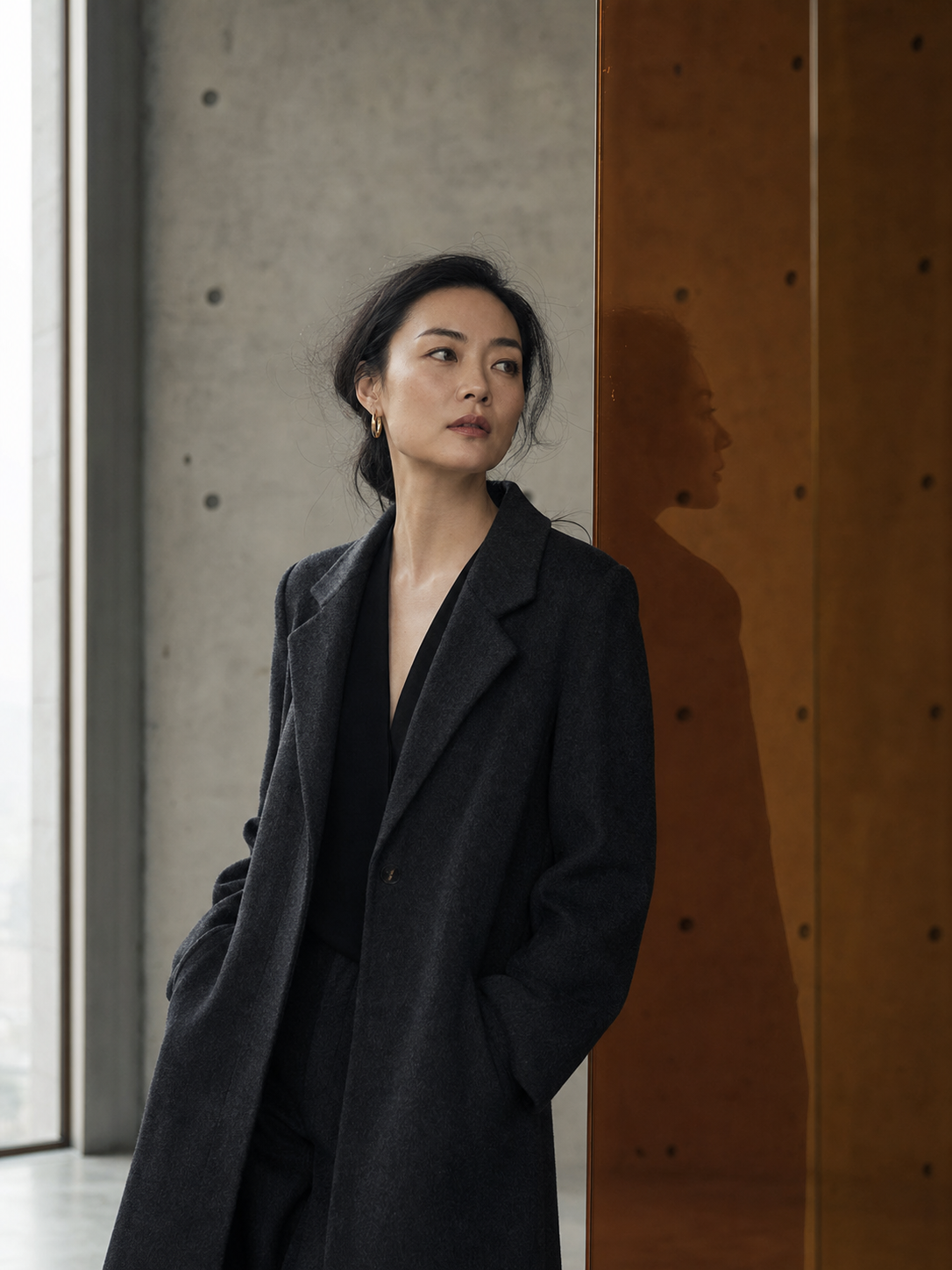


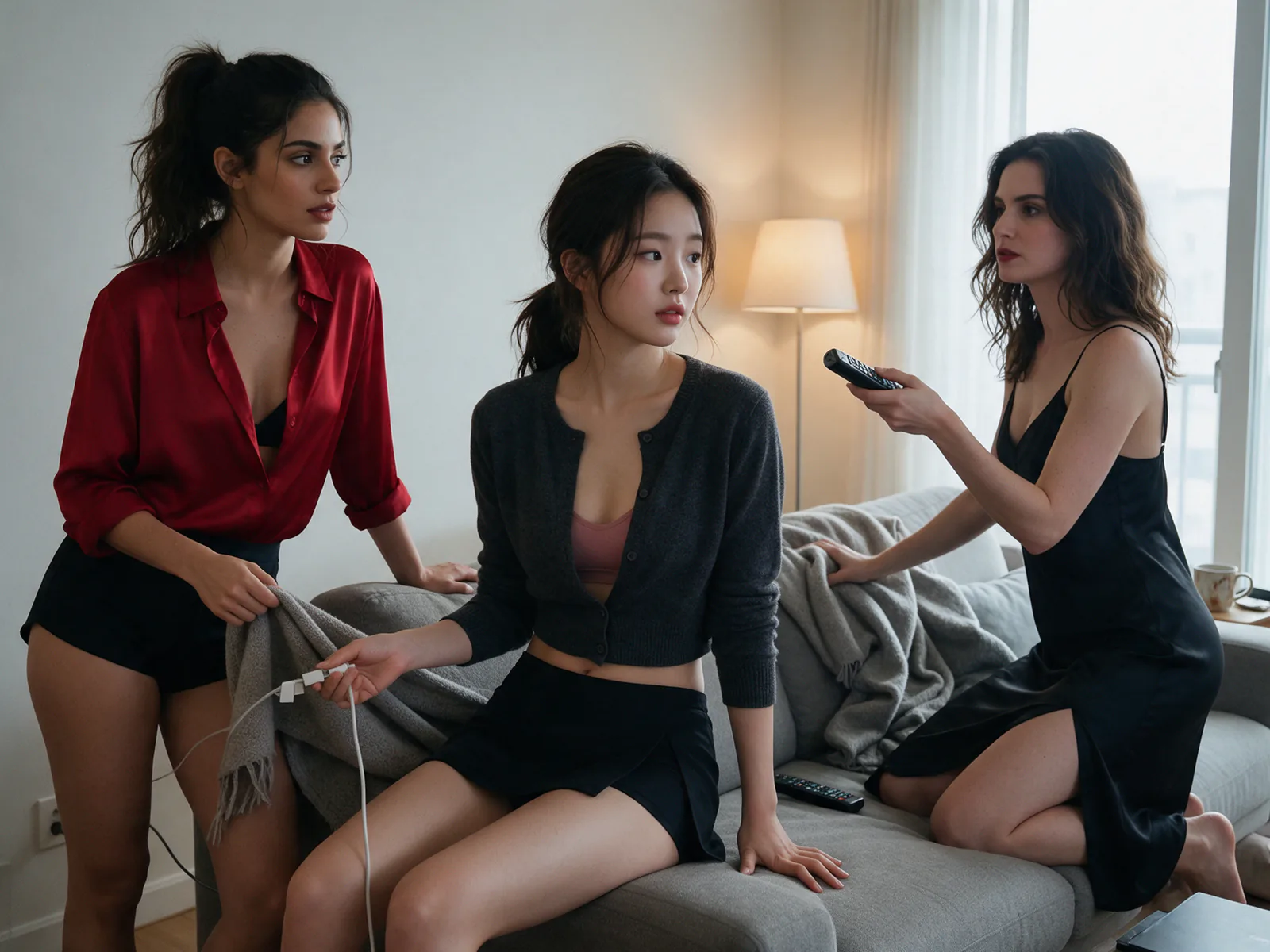

Concept directions for Qwen Image 3.0 workflows
Four visual briefs show how the model's documented strengths can map to common creative work.
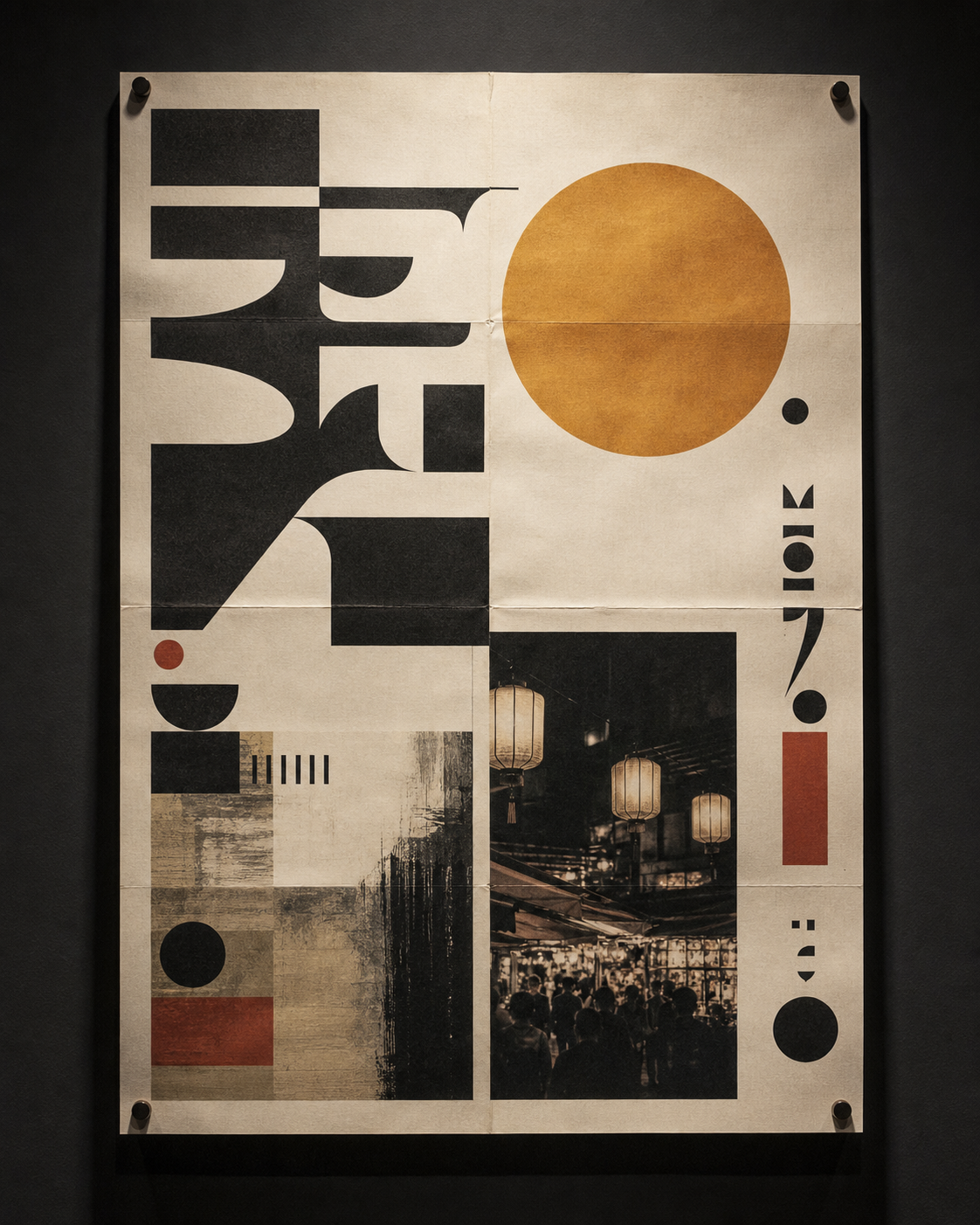
Concept visual: bilingual poster direction
An editorial layout brief balancing glyph-like forms, image, color, and physical paper texture.

Concept visual: product composition
A controlled still-life direction for catalog, campaign, and commerce imagery.
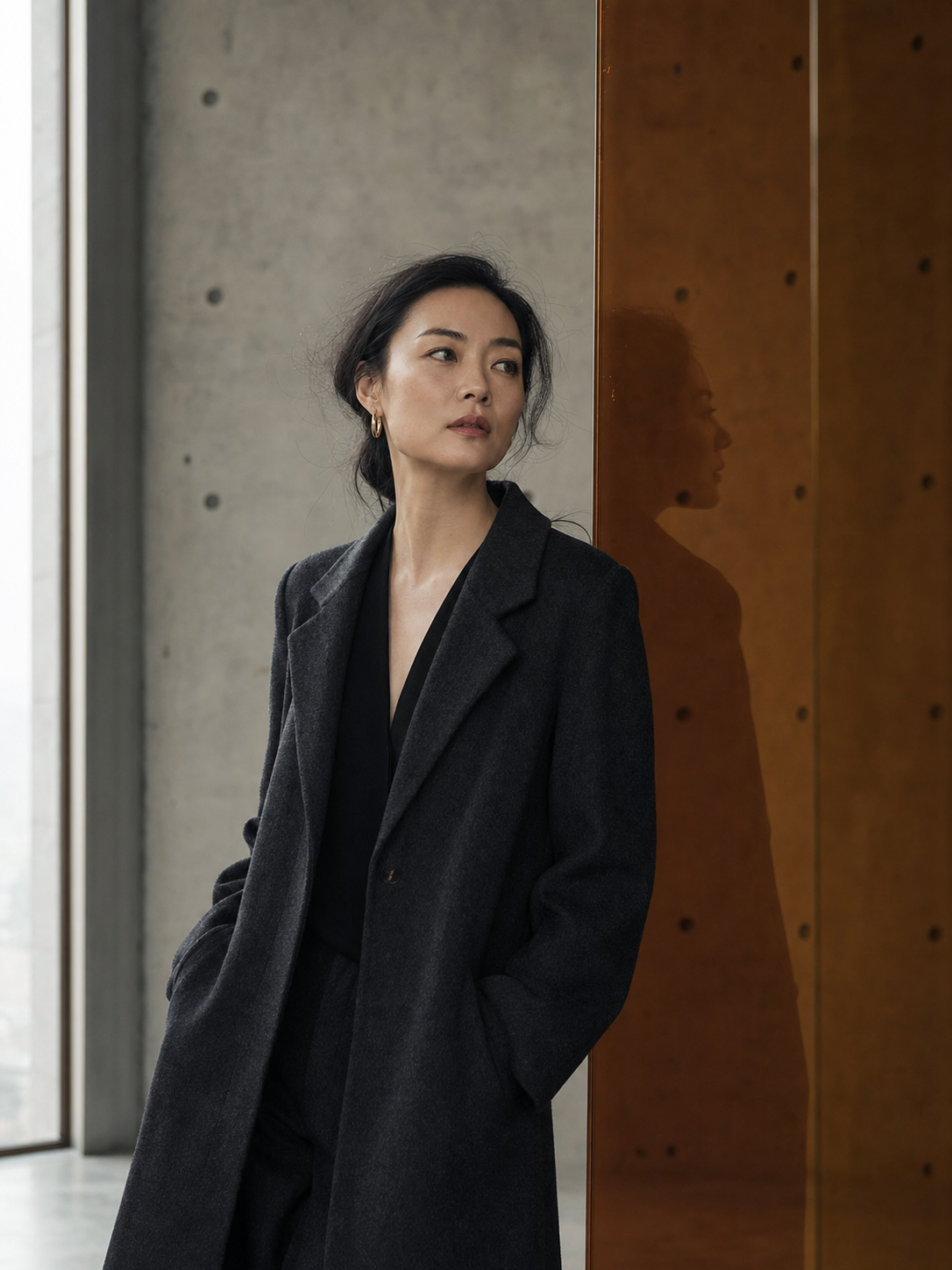
Concept visual: editorial portrait
A calm portrait brief using architectural space and one restrained brand-color reflection.

Concept visual: paper-city illustration
A layered narrative brief combining paper craft, illustration, and warm task lighting.
What is Qwen Image 3.0
Text-to-image creation with an expandable prompt pipeline
Qwen Image 3.0 turns a natural-language brief into an image. A provider can expand the prompt before inference, then return the result using the chosen size, format, and seed controls.
Describe the visual
Write the subject, composition, style, lighting, required text, and constraints in Chinese or English.
Expand the prompt
Optional expansion can turn a short brief into a more detailed generation instruction.
Control the output
Choose supported dimensions, PNG, JPEG, or WebP, and a seed when reproducibility matters.
Core Qwen Image 3.0 capabilities
The claims below stay within capabilities published by Qwen and the listed inference provider.
Chinese and English text direction
Build prompts around bilingual poster copy, labels, signage, and editorial text treatment. Review final spelling before production use.
Complex prompt understanding
Combine subject, layout, material, lighting, camera, and visual-style constraints in one structured brief.
Size and format control
Published provider options cover configurations from 512 to 2048 pixels and PNG, JPEG, or WebP output.
Seed reproducibility
Reuse a seed with the same request settings to make iterations easier to compare and document.
Where Qwen Image 3.0 can fit
Use the model as a visual-development tool, then apply normal brand, legal, and production review.
Marketing posters
Explore campaigns where headline treatment and image composition need to be considered together.
E-commerce product imagery
Develop product staging, seasonal backgrounds, catalog directions, and crop variants.
Social content
Draft visual stories, announcement graphics, thumbnails, and format-specific concepts.
Creative concept art
Translate an early idea into a more concrete mood, composition, and illustration direction.
A practical Qwen Image 3.0 workflow
These steps describe a provider-based generation flow. They are not controls inside the current Seedream generator.
Describe the scene
Name the subject, framing, style, lighting, text, and exclusions.
Expand the brief
Use prompt expansion when a short idea needs richer production detail.
Set size and format
Choose supported dimensions, file format, and an optional seed.
Review and export
Check text, composition, rights, and brand fit before downloading the result.
Qwen Image 3.0 FAQ
Clear answers about the model, available controls, and Seedream integration status.
Qwen Image 3.0 is a text-to-image model available through public inference providers. Its published workflow includes Chinese and English prompts, prompt expansion, size control, output-format selection, and seed input.
The published provider interface accepts Chinese and English prompts. Qwen's image-model materials also emphasize complex text rendering, but final text should still be reviewed.
The referenced provider lists image-size configurations within a 512 to 2048 pixel range and supports PNG, JPEG, and WebP output. Exact allowed width and height combinations depend on the provider interface.
Yes. This page connects the authenticated generator to Qwen Image 3.0 Pro for text-to-image and reference-guided image-to-image generation.
Commercial use depends on the model license, provider terms, source materials, and your jurisdiction. Review the current terms for the provider you use before publishing.
Yes. This page connects the authenticated generator to Qwen Image 3.0 Pro for text-to-image and reference-guided image-to-image generation.
Review the visual directions before choosing a workflow
Start with the concept gallery, then compare the verified controls that shape a Qwen Image 3.0 request. Seedream 5.0 image workspace