
Seedream 5.0 Flash: Ideas in Motion
Seedream 5.0 Flash AI Image Generator for ambitious campaigns, product stories, and everyday creative work
Turn campaign ideas, product shots, social hooks, and content briefs into polished image drafts in minutes. Seedream 5.0 Flash helps teams move quickly from idea to visual direction.

Choose Model
Workflow
0/5000 characters
Adds a consistent everyday phone-camera finish.
Image Results

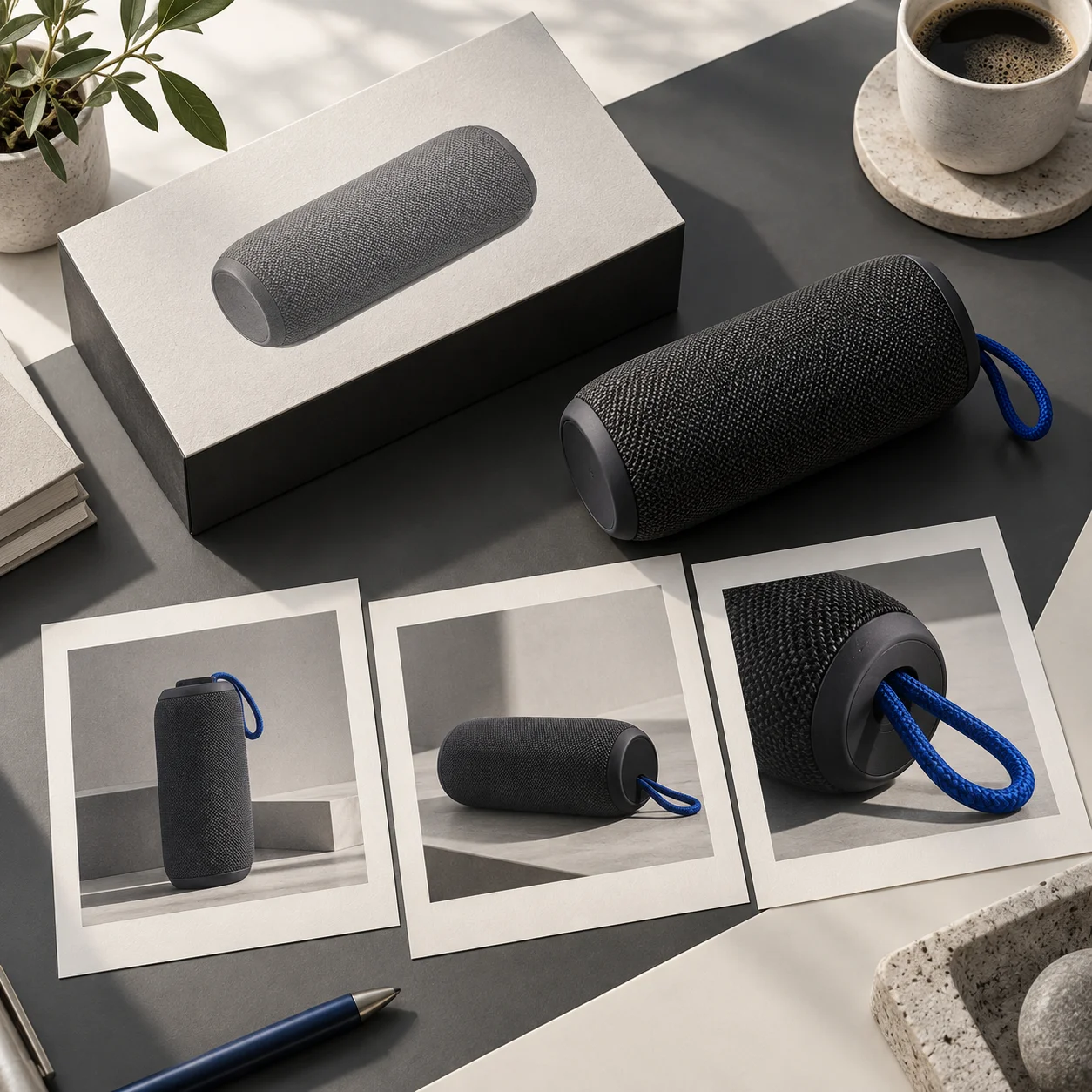
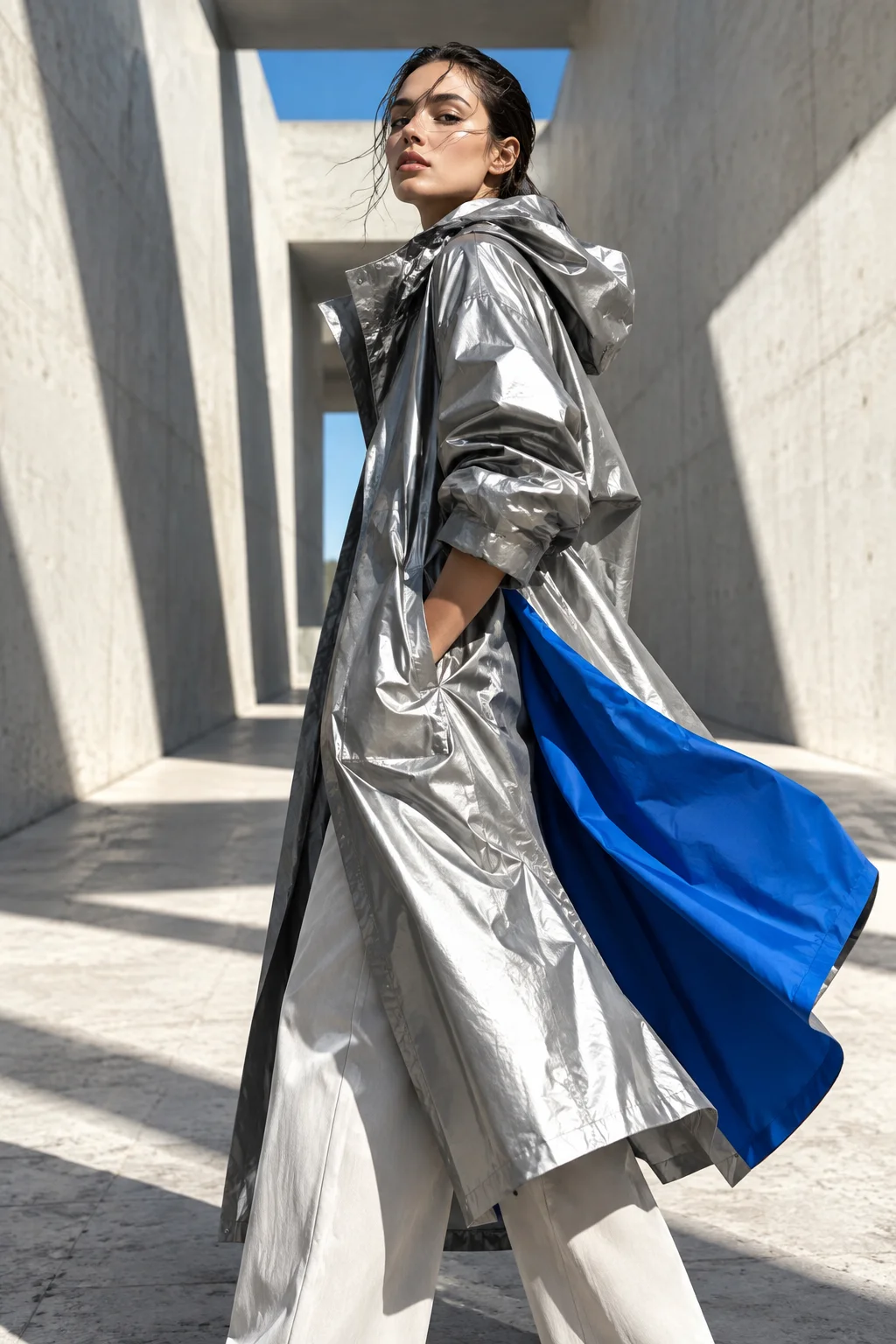
Creative directions for fast iteration
Original concept visuals illustrating product, fashion, and campaign workflows.


What is Seedream 5.0 Flash?
Seedream 5.0 Flash is a fast AI image generation experience for teams that need practical creative output every day. It is ideal for marketing visuals, ecommerce concepts, social content, blog covers, and quick design exploration.
Fast campaign drafts
Create ad concepts, landing-page visuals, banners, and launch images from a short marketing brief.
Reference-guided style
Upload or describe visual references to keep product cues, mood, composition, or brand direction closer to what you want.
Editable image layers
Upload one image and separate its elements into independent layers for a more flexible editing workflow.
Clear prompt control
Specify the subject, audience, scene, aspect, style, and message so the result is easier to evaluate.
More options per brief
Generate multiple hooks and compositions before your team invests time in final design polish.
Ready for content teams
Support repeatable image needs across social calendars, newsletters, product updates, and editorial workflows.
How to get better results
A simple prompt routine helps Seedream 5.0 Flash create stronger first drafts.
Name the asset
Start with the channel, format, audience, and goal, such as a sale banner or social launch image.
Add visual direction
Describe the product, scene, lighting, color mood, composition, and any reference image cues.
Generate variations
Try several hooks, crops, and styles so you can compare ideas instead of forcing one draft to work.
Refine the winner
Keep the strongest direction and adjust details for the final campaign, store, or content channel.
Best uses for Seedream 5.0 Flash
Flash is strongest when your team needs speed, volume, and practical creative output.

Social ads and posts
Create scroll-stopping visuals for paid campaigns, organic posts, creator-style hooks, and seasonal ideas.
Ecommerce visuals
Explore product scenes, promo graphics, category images, bundle concepts, and store campaign assets.
Content covers
Make blog headers, newsletter images, article covers, podcast art, and explainers that fit the topic.
Team brainstorming
Give growth, design, and content teams a quick way to see ideas before deciding what to polish.
What you can create
A practical fit for everyday image generation across marketing and content workflows.
Seedream 5.0 Flash FAQ
Yes. It is a strong fit for ads, social posts, ecommerce visuals, content covers, and campaign drafts that need quick iteration.
Yes. Reference images help guide style, composition, product cues, and visual consistency when a prompt alone is not enough.
Include the subject, audience, channel, format, style, mood, key details, and the action you want the image to support.
Yes. Choose Layer Decomposition, upload one image, and optionally describe the parts to separate.
Marketing teams, ecommerce operators, social teams, writers, creators, and founders can use it to generate more visual options faster.
Text-to-image, image-to-image, and layer decomposition each cost 5 credits per task.
Create your next image with Seedream 5.0 Flash
Start with a clear brief, add references when needed, and generate more campaign-ready ideas in minutes. Explore Seedream 5.0 Pro