
Seedream 5.0 Pro Layer Decomposition
Layer split for design remix
Intelligently analyze image content and split complex visuals into editable independent layers so you can redesign, refine, and create secondary assets with more flexibility.

Simple credit pricing
Comparez le coût en crédits de Pro et Seedream 5.0 Flash avant de choisir un modèle de séparation.
1K / 1.5K / Auto per generation
2K per generation
Toute taille, par séparation en calques
Turn one complex image into separate layers for text, subjects, and backgrounds.
Guide the split with layer notes, or let the model analyze the image automatically.
Reuse isolated layers for posters, product comps, and secondary creative work.
Choose 1K, 1.5K, 2K, or Auto to match your delivery needs.
Choisir le modèle
Prend en charge jusqu'à 1 image(s) de référence · 30 Mo chacune
Téléversez une image pour la séparer en calques modifiables. Le prompt est facultatif.
0/5000 caractères
Ajoute un rendu cohérent de photo prise au téléphone.
Résultats d'image
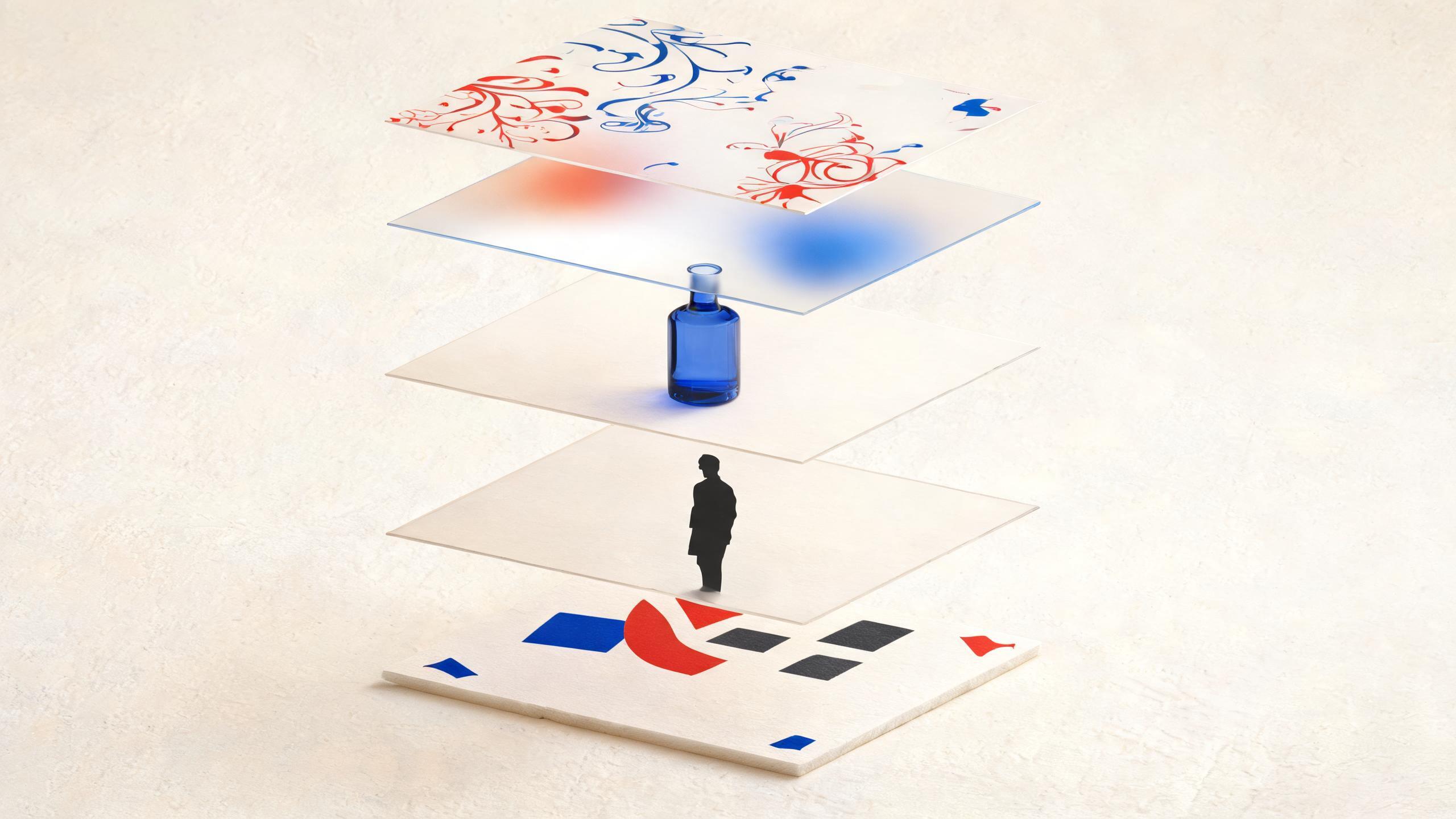
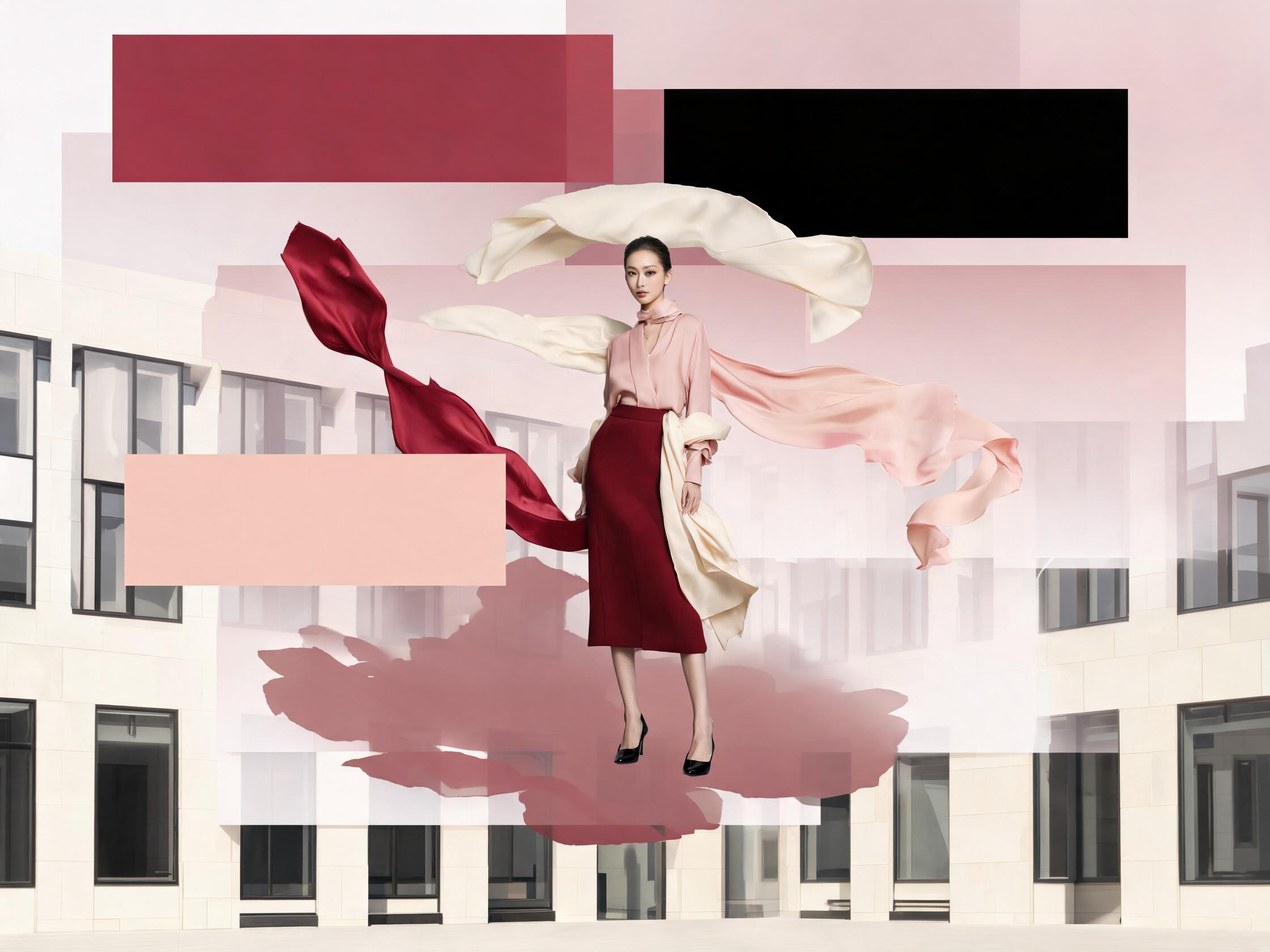

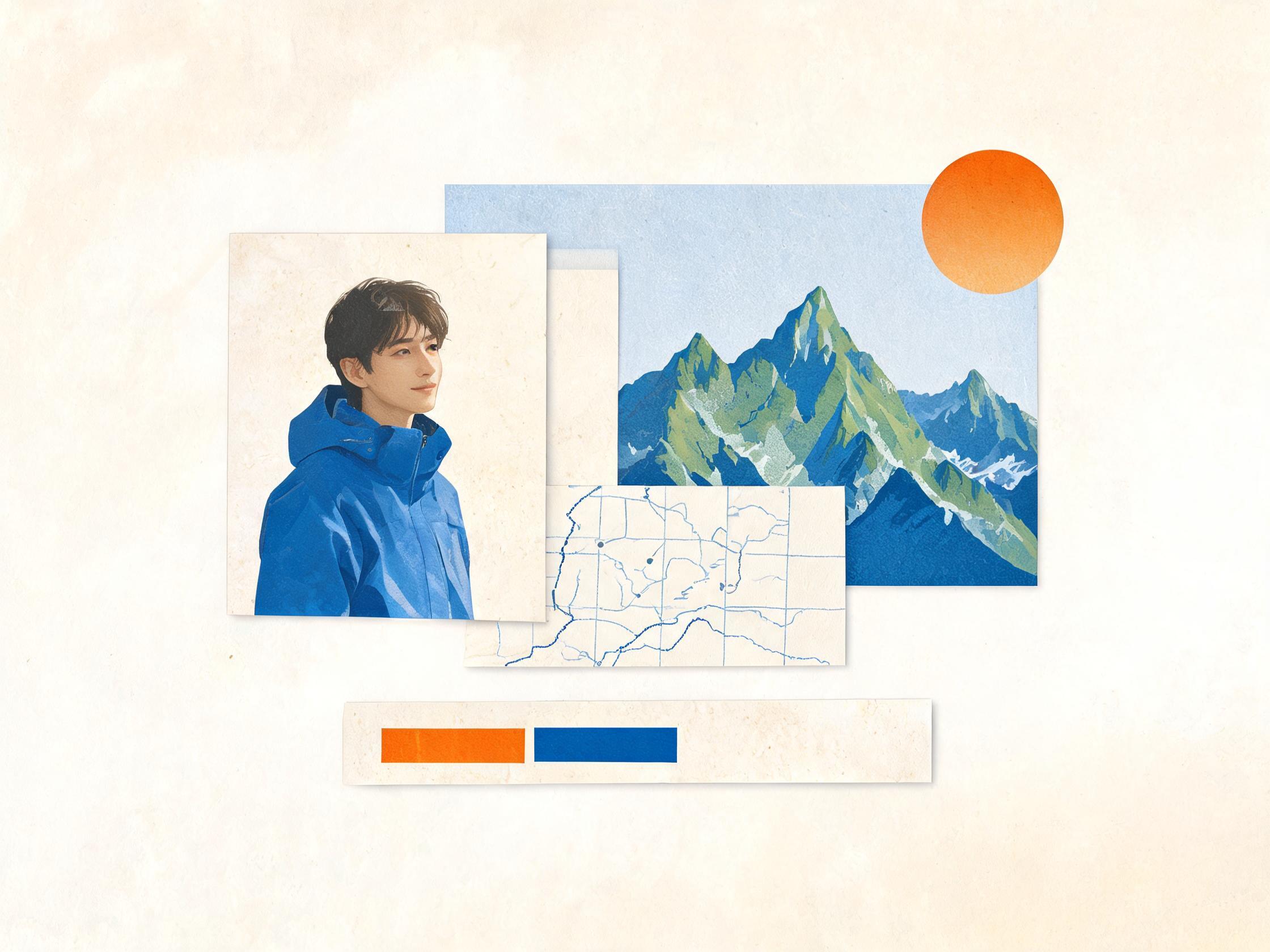
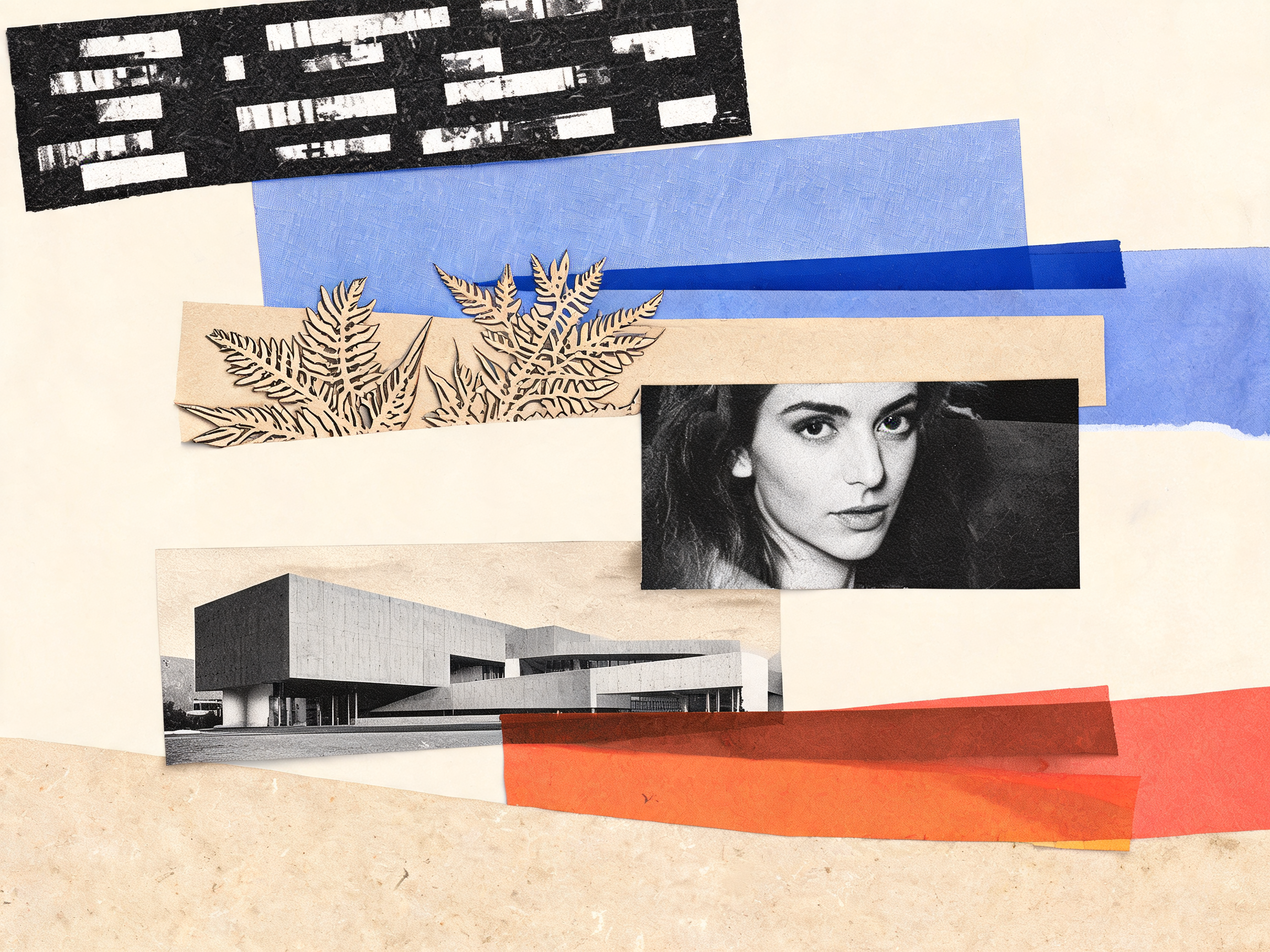
Creative directions for layered redesign
Explore visual directions that benefit from separating text, subjects, and layout blocks into editable layers.
What is Seedream 5.0 Pro Layer Decomposition?
La décomposition sépare une image source en calques indépendants et modifiables. Contrairement à la génération d’une image complète avec Seedream 5.0 Pro, elle part d’une composition existante pour retoucher texte, sujets et arrière-plans sans tout recréer.
Smart content analysis
Analyze the uploaded image and separate meaningful regions into independent layer outputs.
Editable independent layers
Get layer images you can revise, replace, or recombine for design and remix workflows.
Optional layer guidance
Add a short prompt to describe how text, subjects, or backgrounds should be grouped.
One-image workflow
Upload a single source image and generate a multi-layer result set in one task.
Size and format control
Choose 1K, 1.5K, 2K, or Auto, then export as PNG or JPEG.
Commercial design fit
Useful for posters, product visuals, campaign variants, and layout-heavy creative revisions.
How to use Layer Decomposition
A short workflow from upload to editable layer outputs.
Upload one source image
Choose a poster, product visual, or layout-heavy image you want to split.
Add optional guidance
Describe layer goals such as text blocks, subject, or background if you want more control.
Pick size and format
Select 1K, 1.5K, 2K, or Auto, then choose PNG or JPEG output.
Download editable layers
Review the multi-layer result set and reuse each layer for redesign or secondary creation.
Where Layer Decomposition helps
Use it when a finished visual still needs flexible edits across separate parts.
Poster and campaign remix
Separate headlines, subjects, and backgrounds so campaign variants are easier to rebuild.
Product visual revision
Isolate product subjects from surrounding layout elements before refining ecommerce creatives.
Typography and layout edits
Pull text-heavy regions into their own layers when you need clearer layout control.
Secondary creative production
Turn one source composition into reusable layer assets for follow-up design work.
Layer Decomposition specs
Key details for the Seedream 5.0 Pro Layer Decomposition workflow.
Seedream 5.0 Pro Layer Decomposition FAQ
It analyzes a source image and splits complex content into editable independent layers so you can redesign and remix more flexibly.
No. A prompt is optional. You can upload one image and let the model analyze the content, or add guidance for how layers should be grouped.
One source image is required for each Layer Decomposition task.
1K, 1.5K, and Auto cost 10 credits per generation. 2K costs 14 credits per generation.
You can choose PNG or JPEG for the generated layer outputs.
Layer Decomposition focuses on splitting one source image into editable independent layers, while Seedream 5.0 Pro image generation creates or edits full images from prompts and references.
Start splitting layers with Seedream 5.0 Pro
Upload one image and turn a complex visual into editable layers for redesign and secondary creation. Espace image Seedream 5.0